8.2 Generative Arp
Chapter Prompt
Section titled “Chapter Prompt”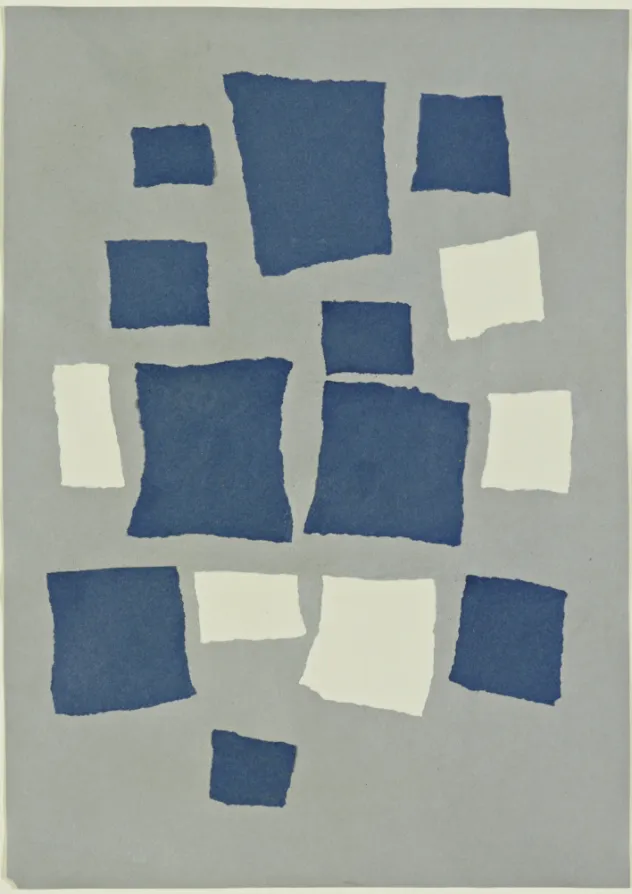 Untitled (Collage with Squares Arranged according to the Law of Chance) can be found on the Museum of Modern Art’s website: https://www.moma.org/collection/works/37013
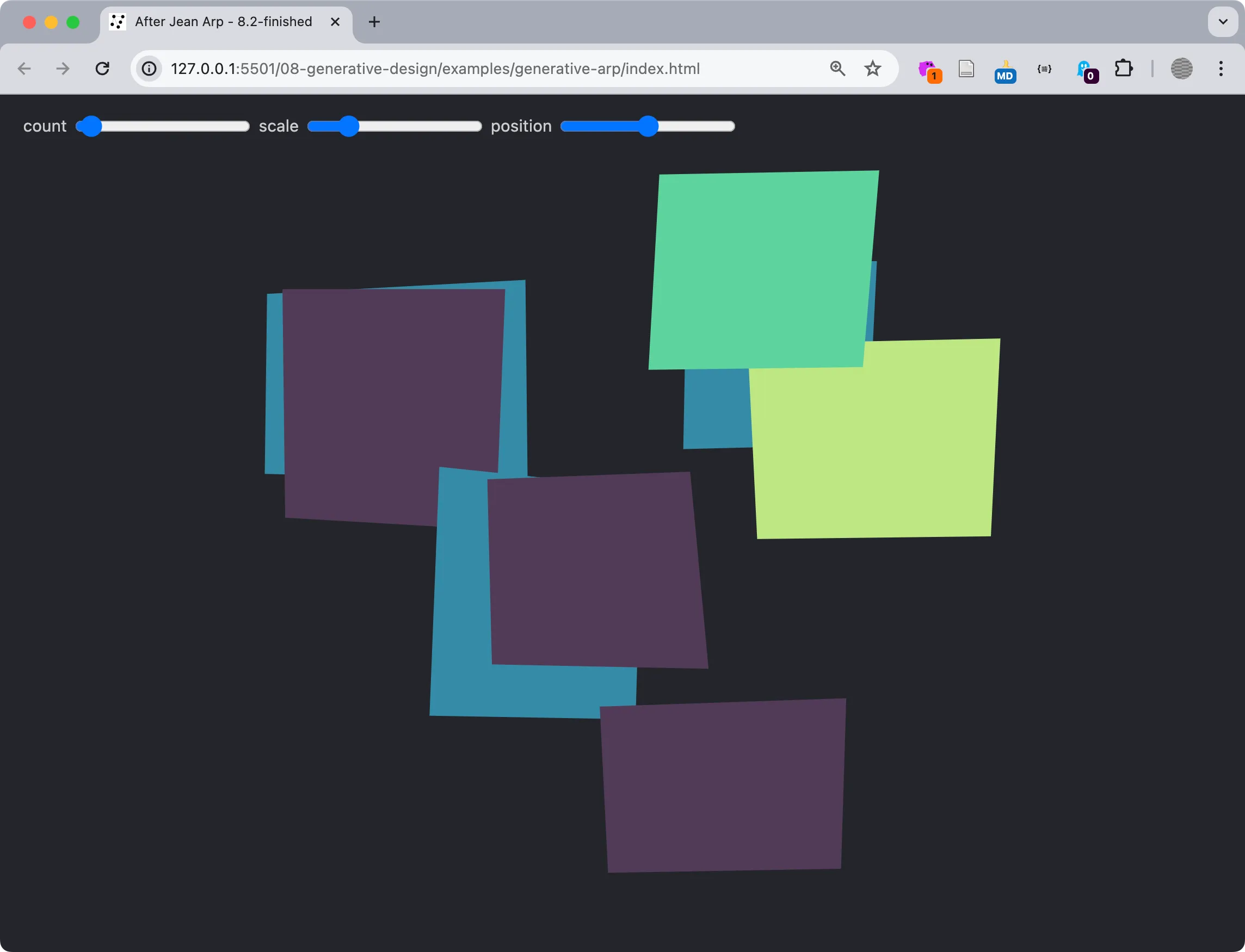 A screenshot from our Generative Arp https://criticalwebdesign.github.io/book/08-generative-design/8-3/
Generative Arp Process
Section titled “Generative Arp Process”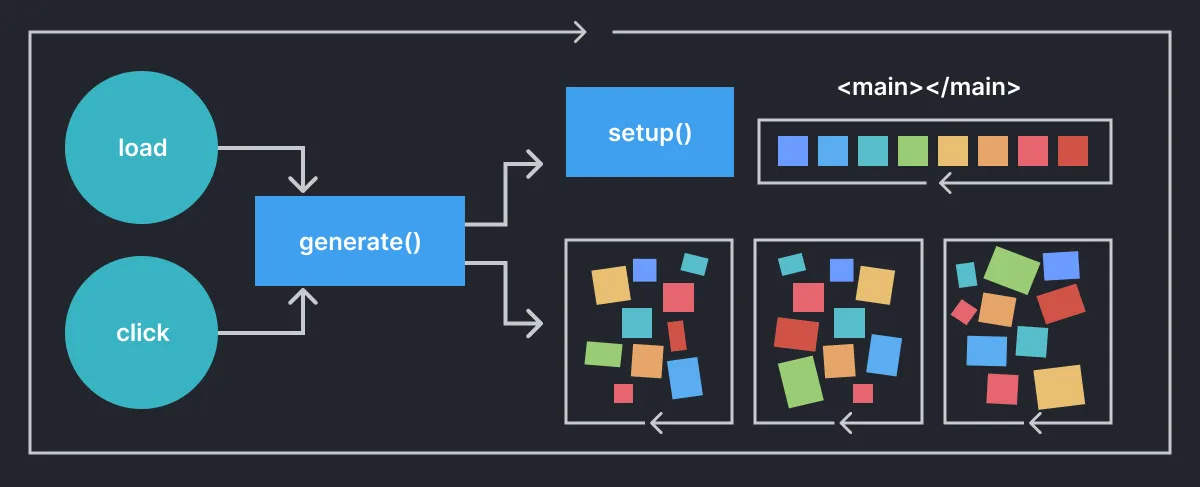 A visual flowchart showing the flow of the program described by the pseudocode.
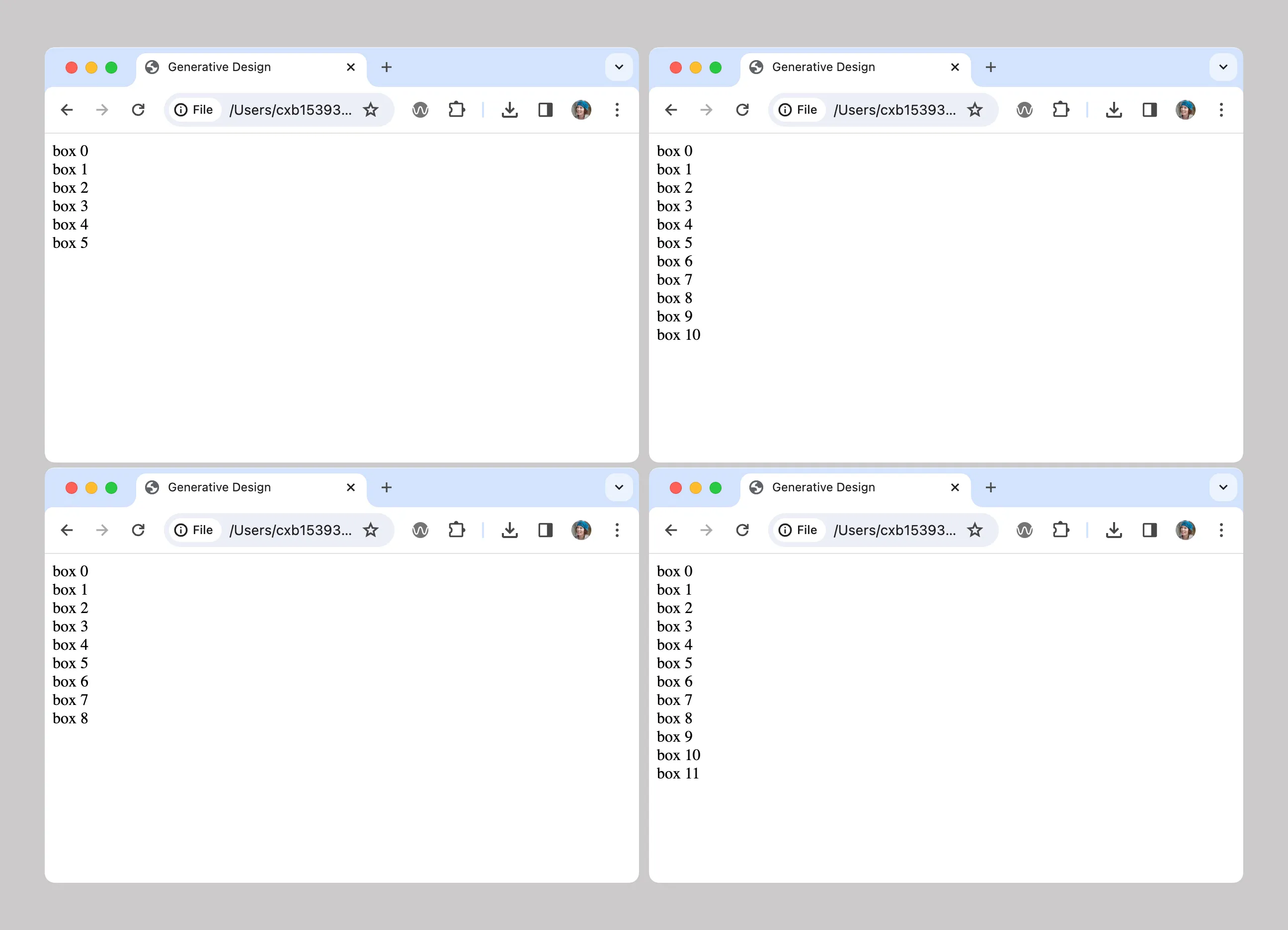 Four examples of outputs producing a random number of divisions that would hold polygons in later exercises.
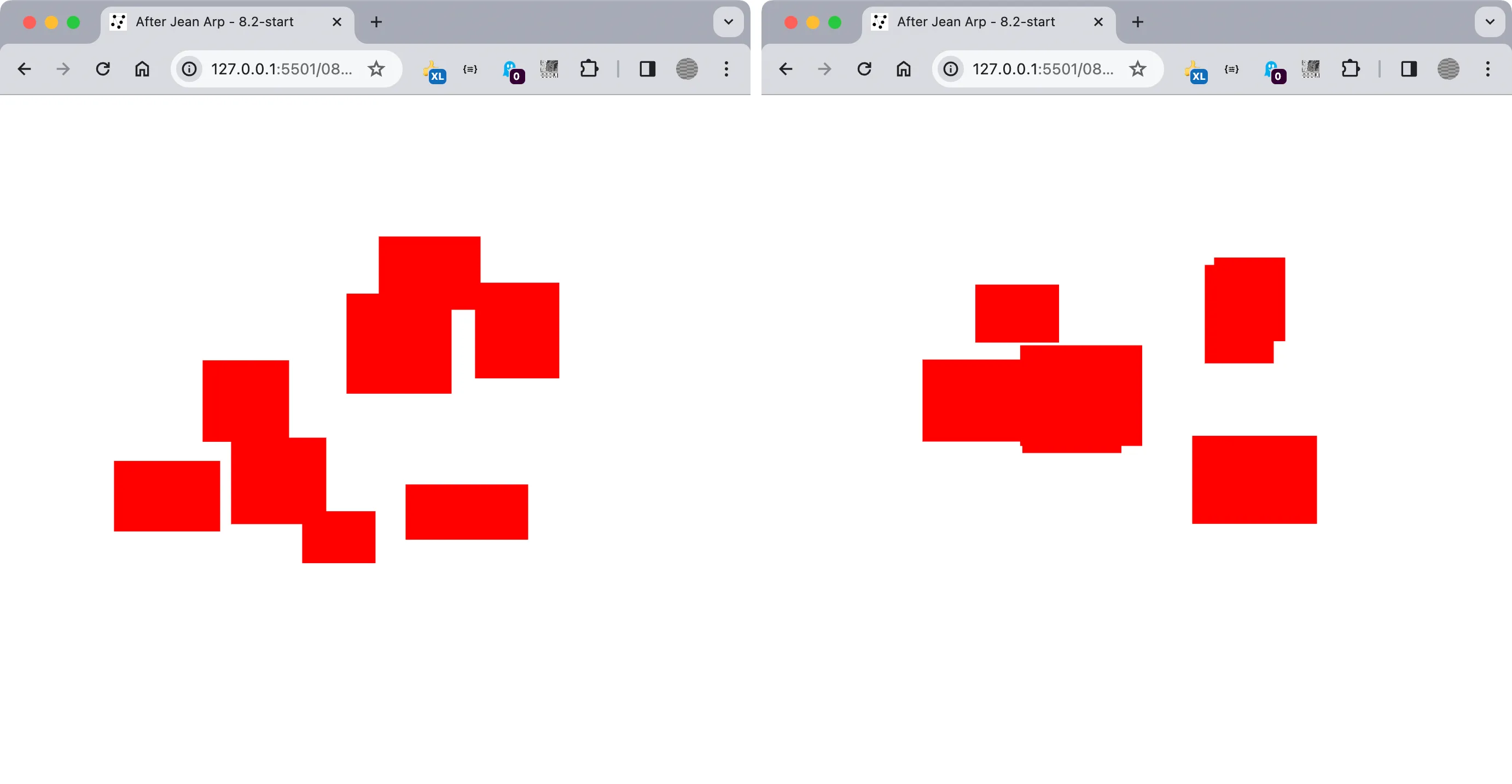 Two instances of Generative Arp show a random number of rectangles in red.
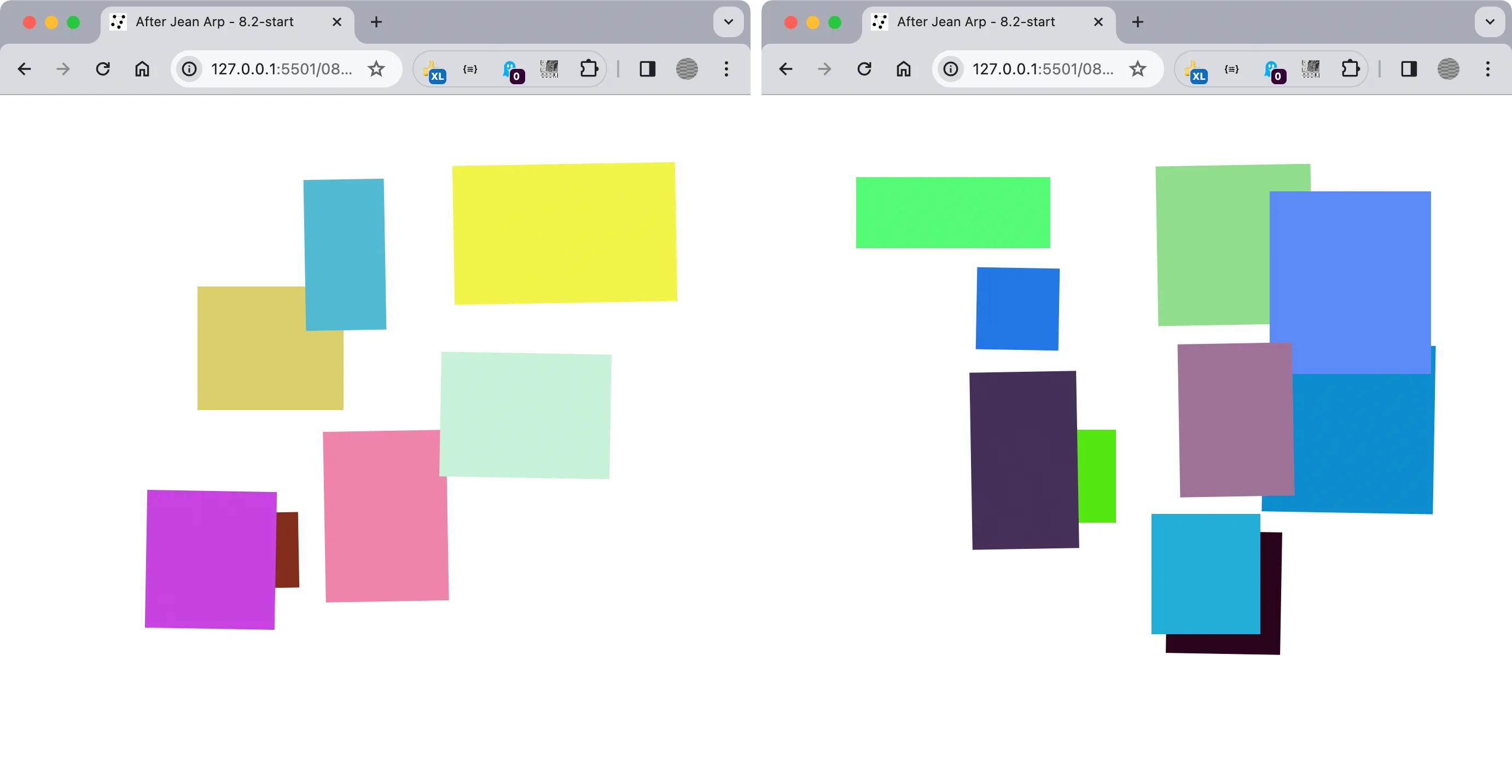 Two instances of Generative Arp with various colors and rotations.
8.2 SVGs and Color Arrays
Section titled “8.2 SVGs and Color Arrays”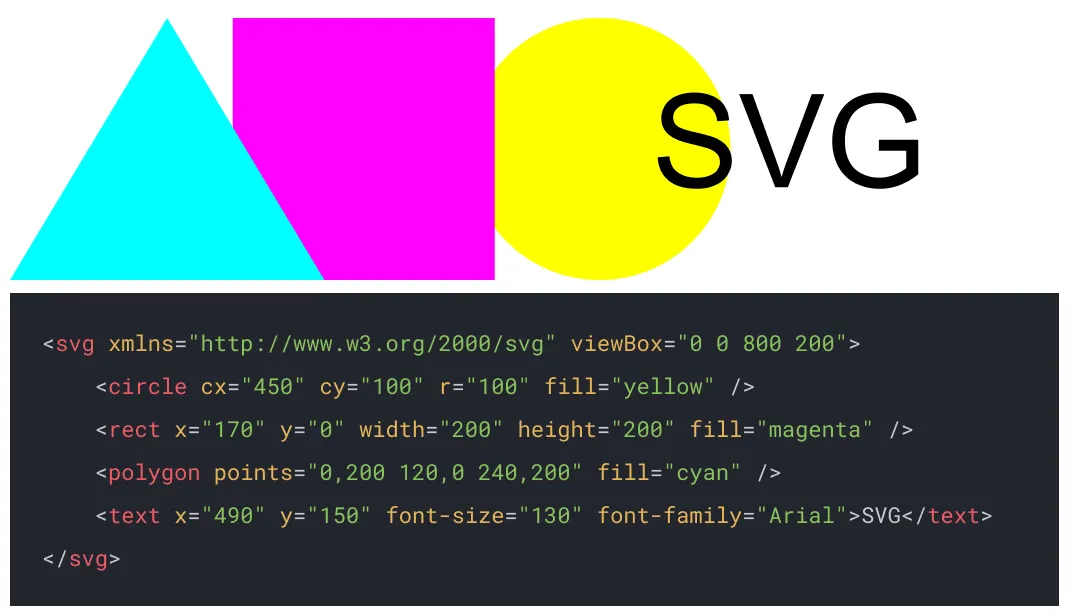 SVG images https://www.w3schools.com/graphics/svg_intro.asp are created using XML (eXtensible Markup Language), making their code easy to understand like HTML.
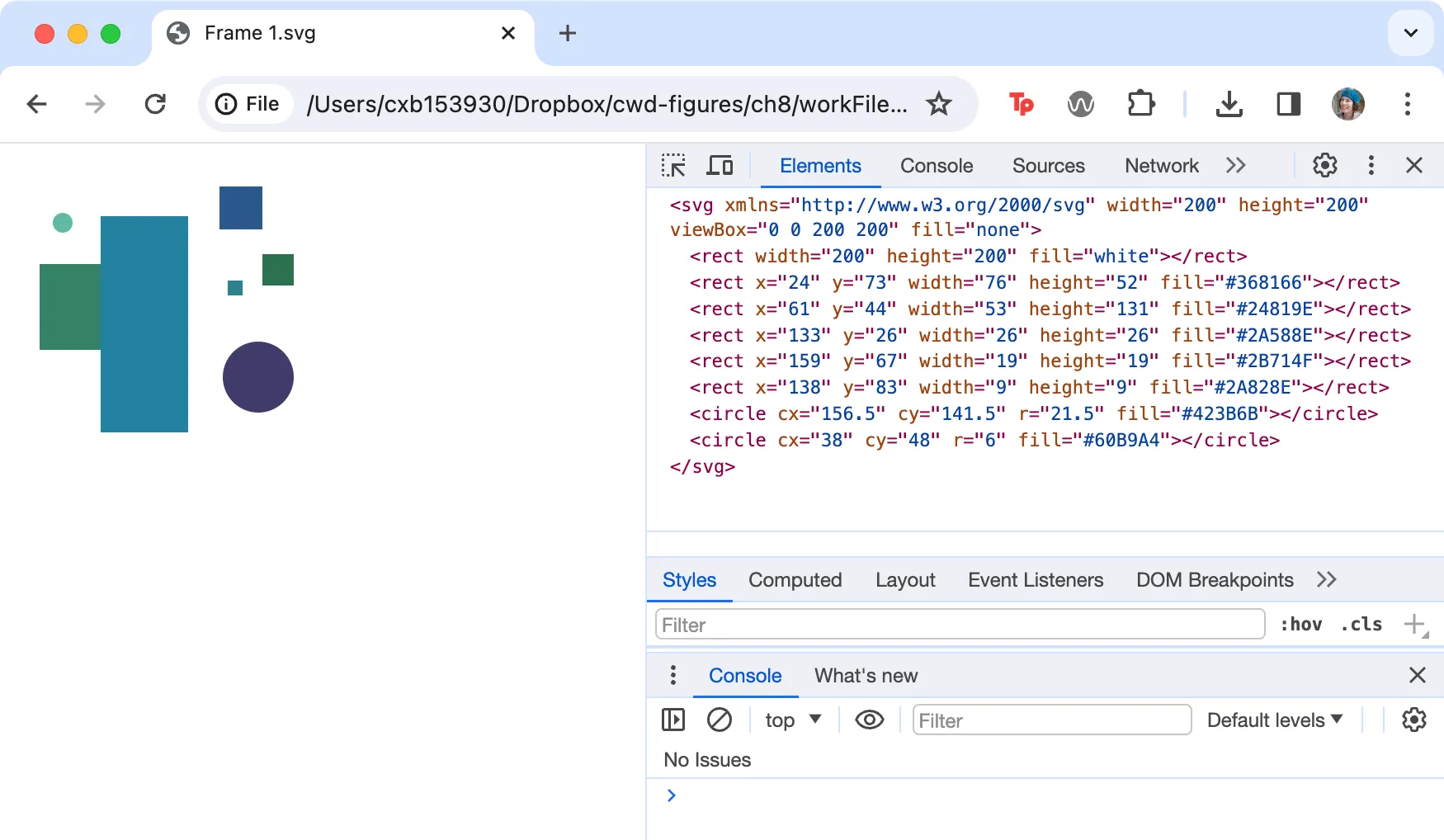 The SVG appears as an image in the Chrome browser, but a closer look at its source code shows how this image is composed of coordinates between the open and close
 <svg> tags.
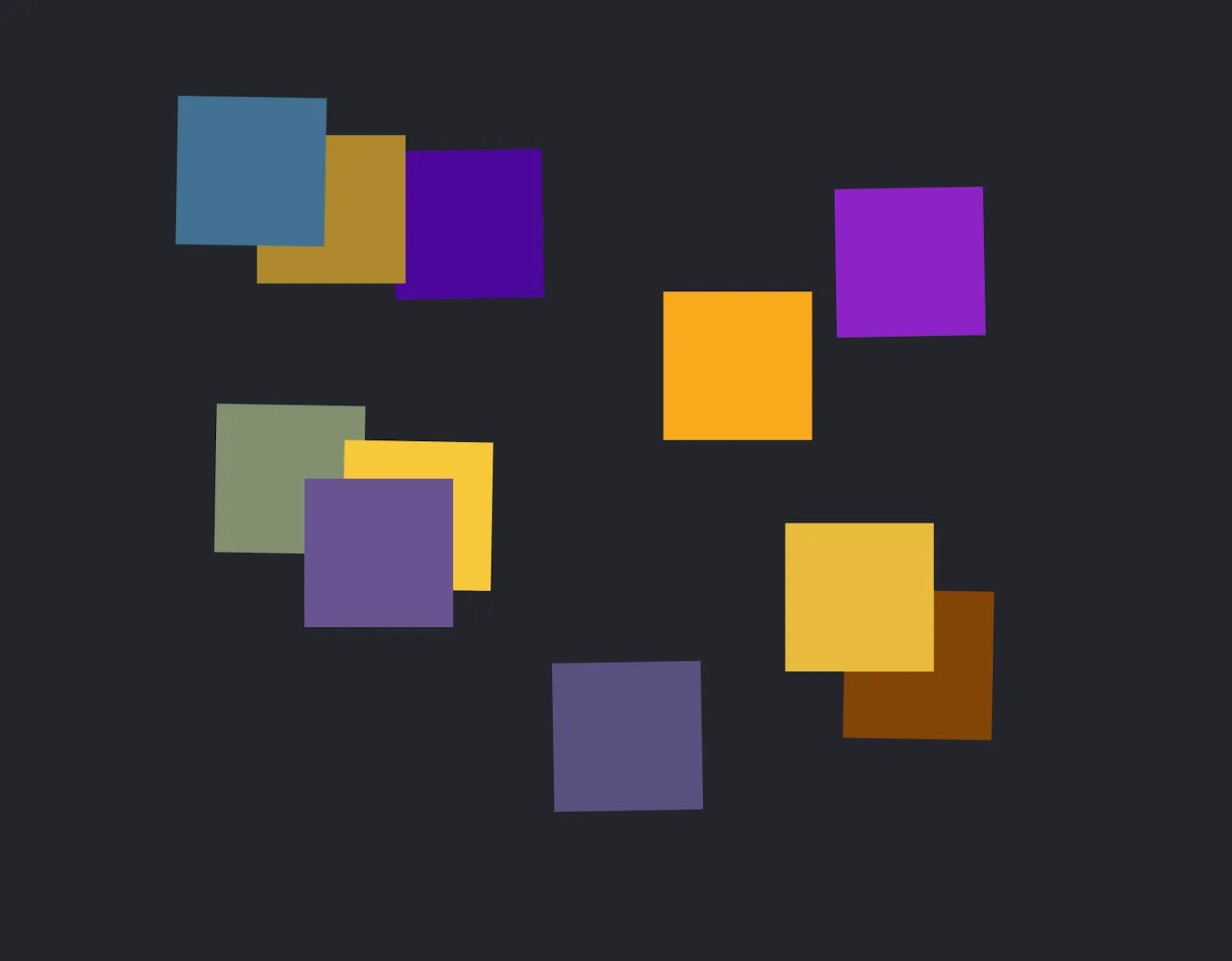 The polygons in the browser. Click or reload the page to see their color, size, and position change.
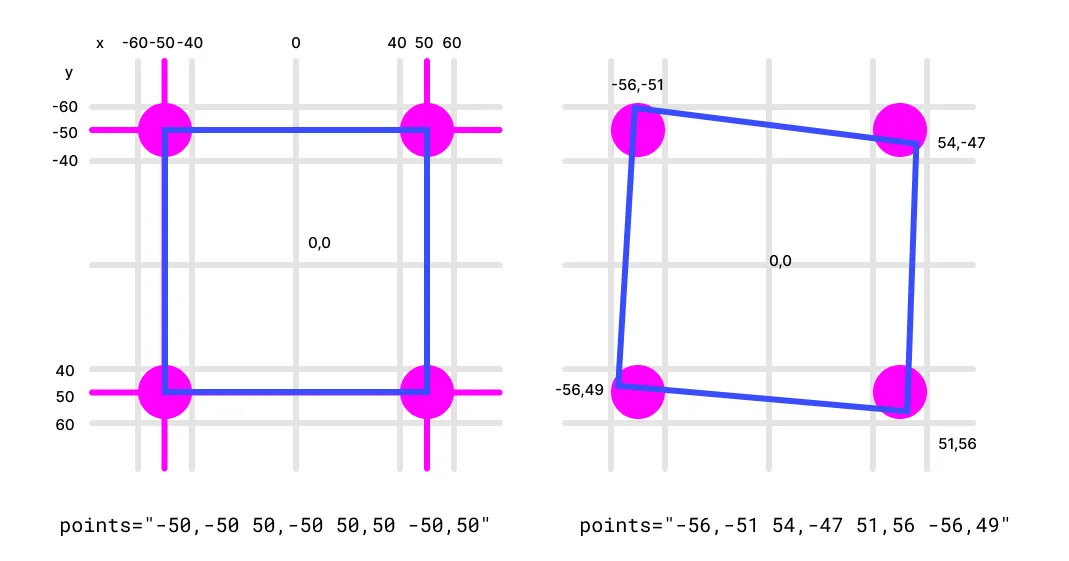 This diagram illustrates how the polygon points are selected. Each magenta circle defines the area within which the x or y values could be created.
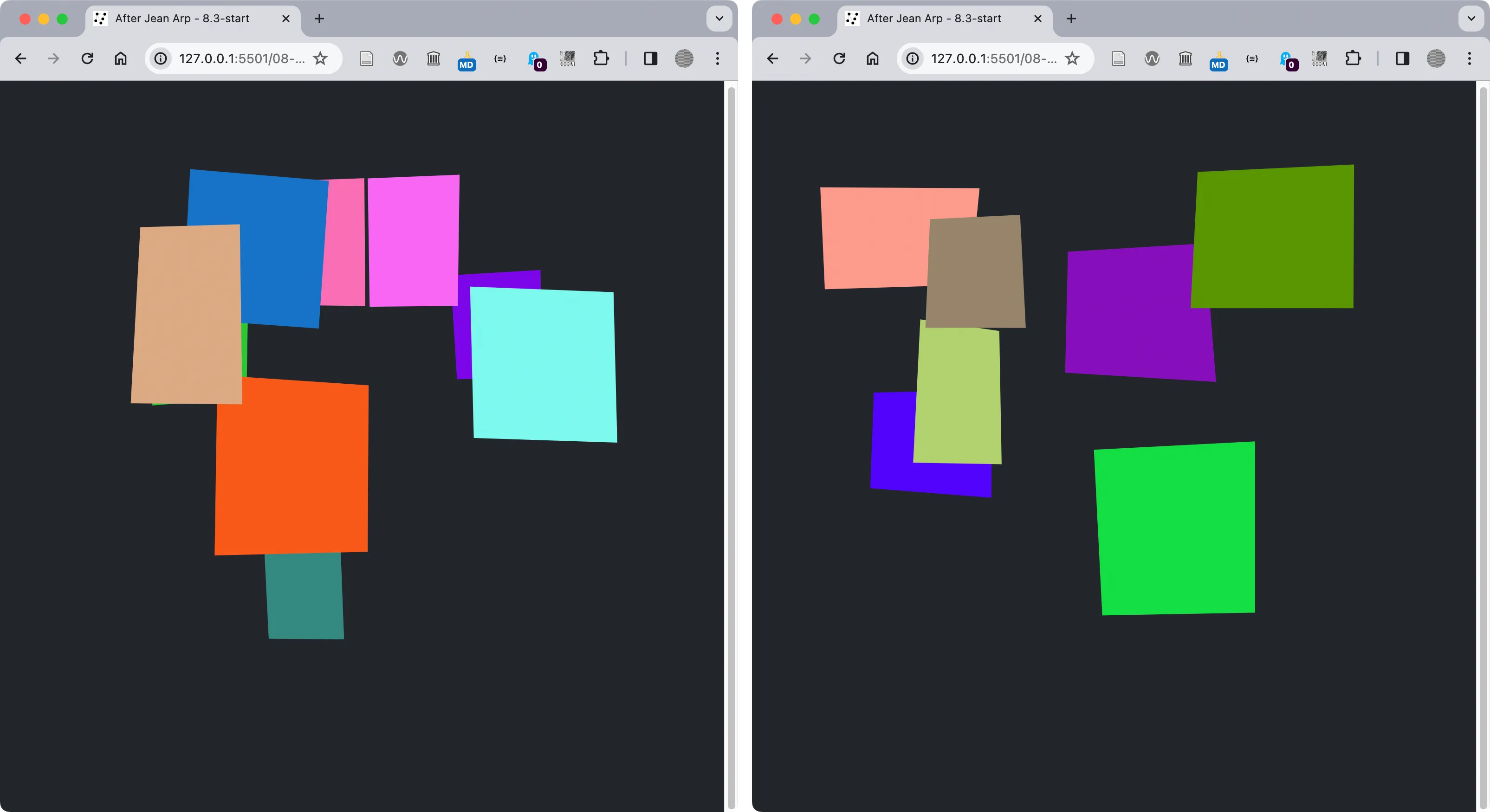 SVG Polygons generated for the browser. Click or refresh the page to see a new composition of polygons.
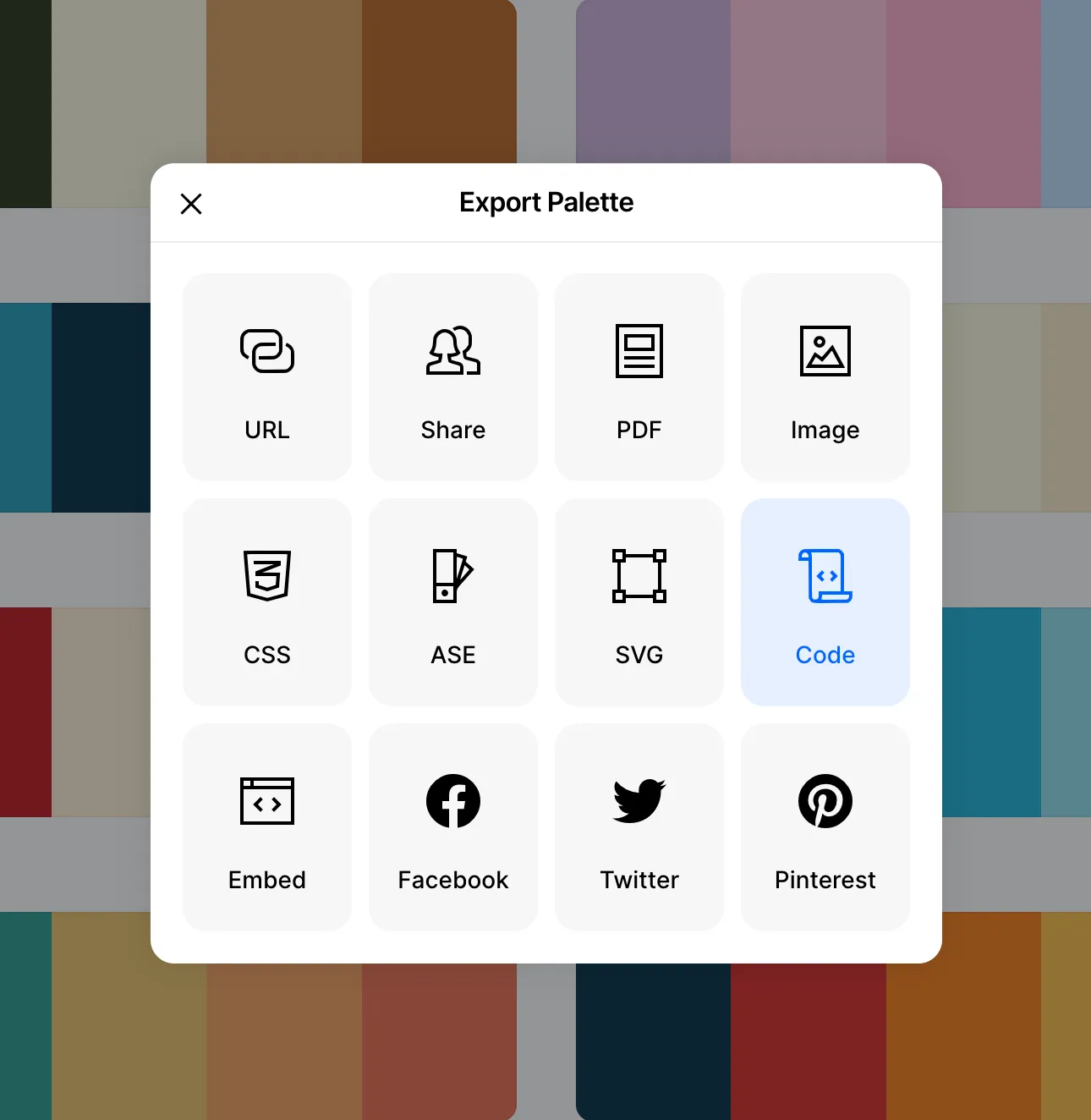 Export the code from a trending color palette on https://coolors.co/palettes/trending
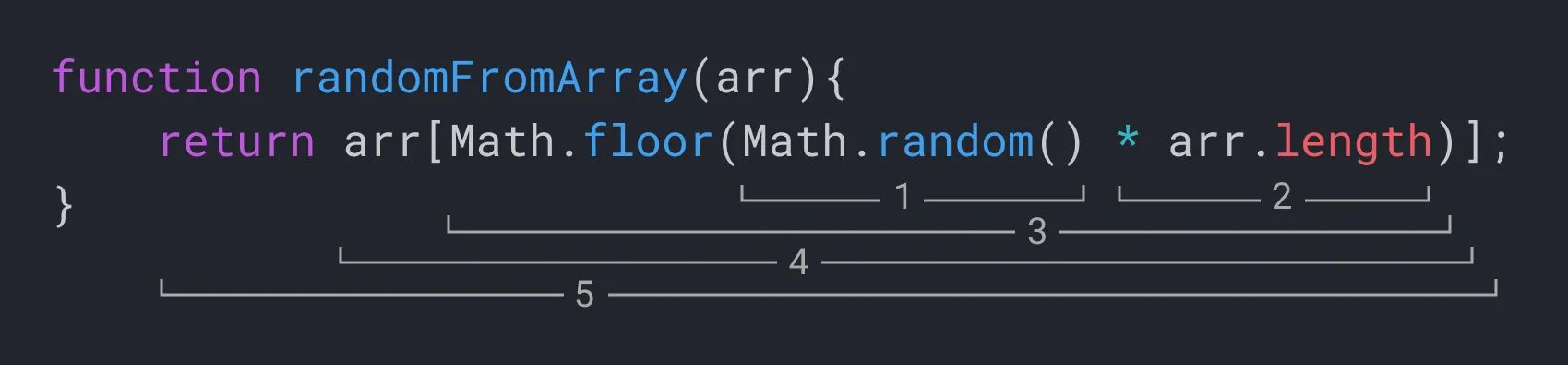 A diagram showing how a PRNG can be used to select random colors from an array. Each color is stored at an index number starting at 0.
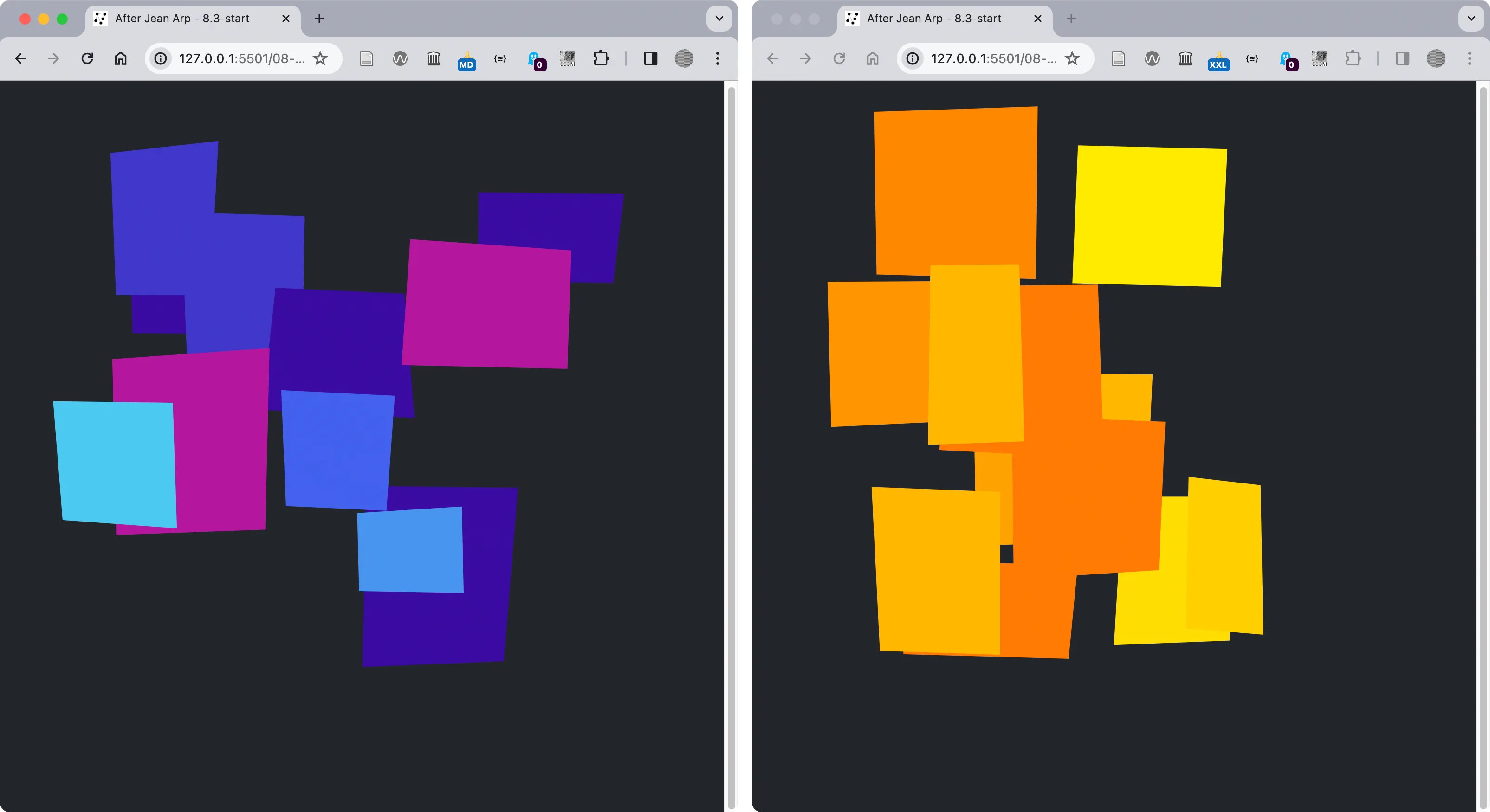 Two palettes from Coolors.co in our Generative Arp project.
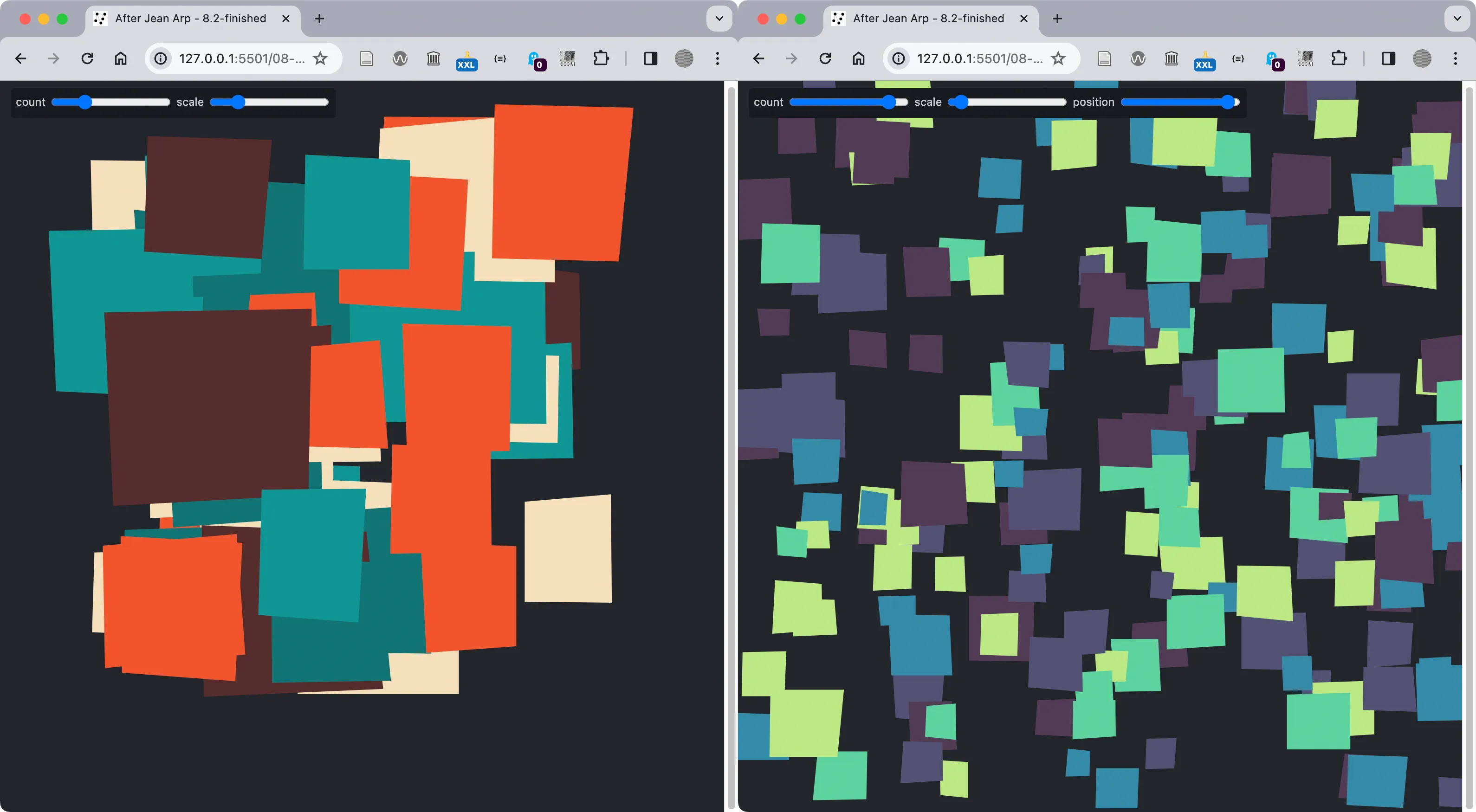 When you complete the exercises in 8.2 your version of the Generative Arp project will include controls for the number of polygons and their height values.