What You'll Make in Chapter 3
In this chapter you will use Figma to unbrand and redesign a corporate brand identity. You will then iterate on your design, considering typographic choices using Google Fonts, and create a web page with interactive images and Javascript to express your ideas. The web page you will create in the exercises forms a critique of an IKEA advertisement with the tagline, “Everything you need,” and corresponding image of the iconic hex wrench used to assemble most IKEA furniture. Our example web page suggests that the one thing the company cannot give you is the abundance of time that it takes to assemble the big-box furniture. You will learn to create a mouseover effect to swap the image of the wrench with a clock.
- Preview the live page and work files
- Start using our criticalwebdesign/website-template
- Videos from this chapter
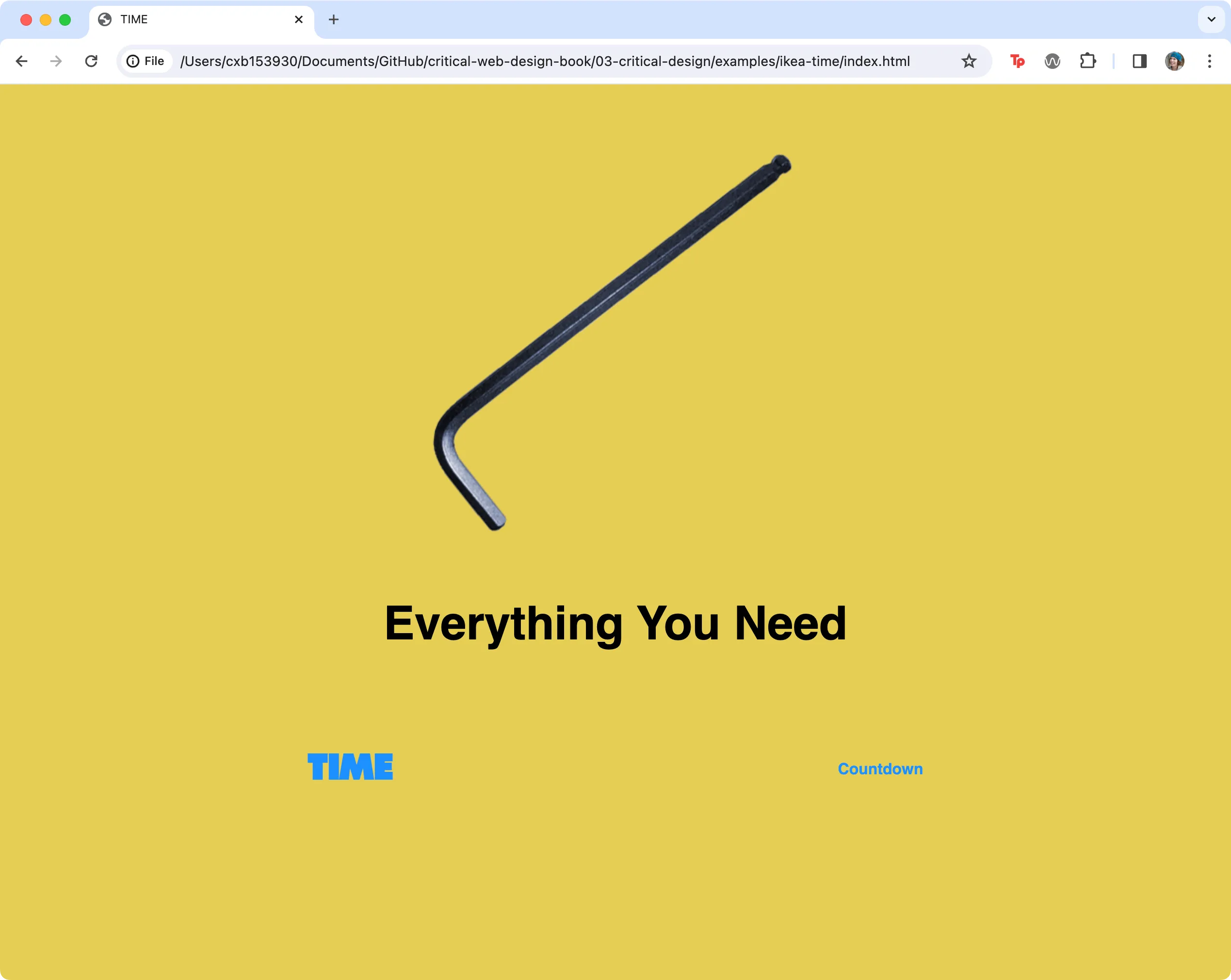 The live page from the chapter 3 prompt