7.3 Chapter Prompt
Design Patterns
Section titled “Design Patterns”Explore potential design patterns for the design brief
- Explore design patterns using the following links http://uipatterns.io/ and https://ui-patterns.com/patterns
- List potential solutions for the design brief in chapter 7.
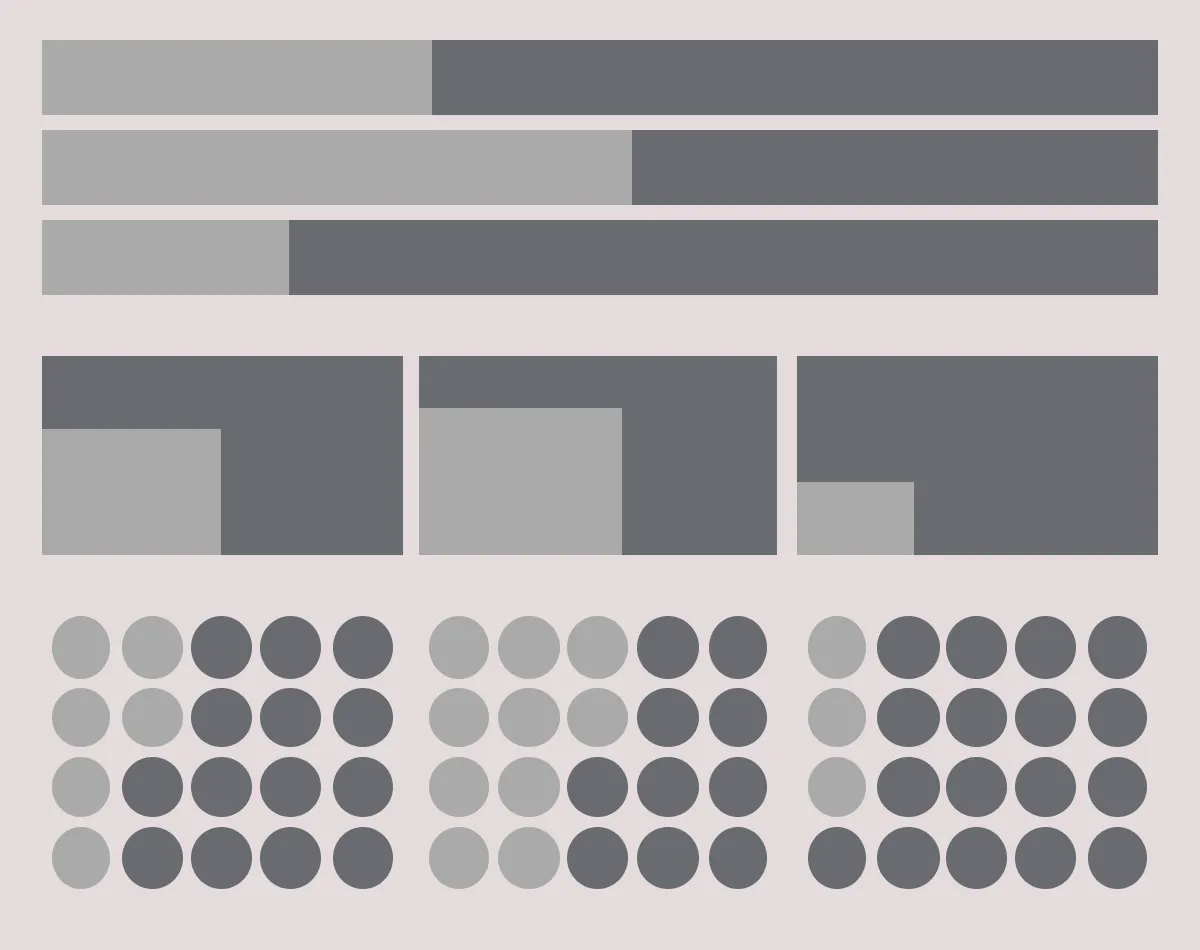 Potential methods for representing proportionality of a value, including (from top) horizontal stacked bar charts, proportional area charts, and icon array charts.
Card Pattern Layouts
Section titled “Card Pattern Layouts”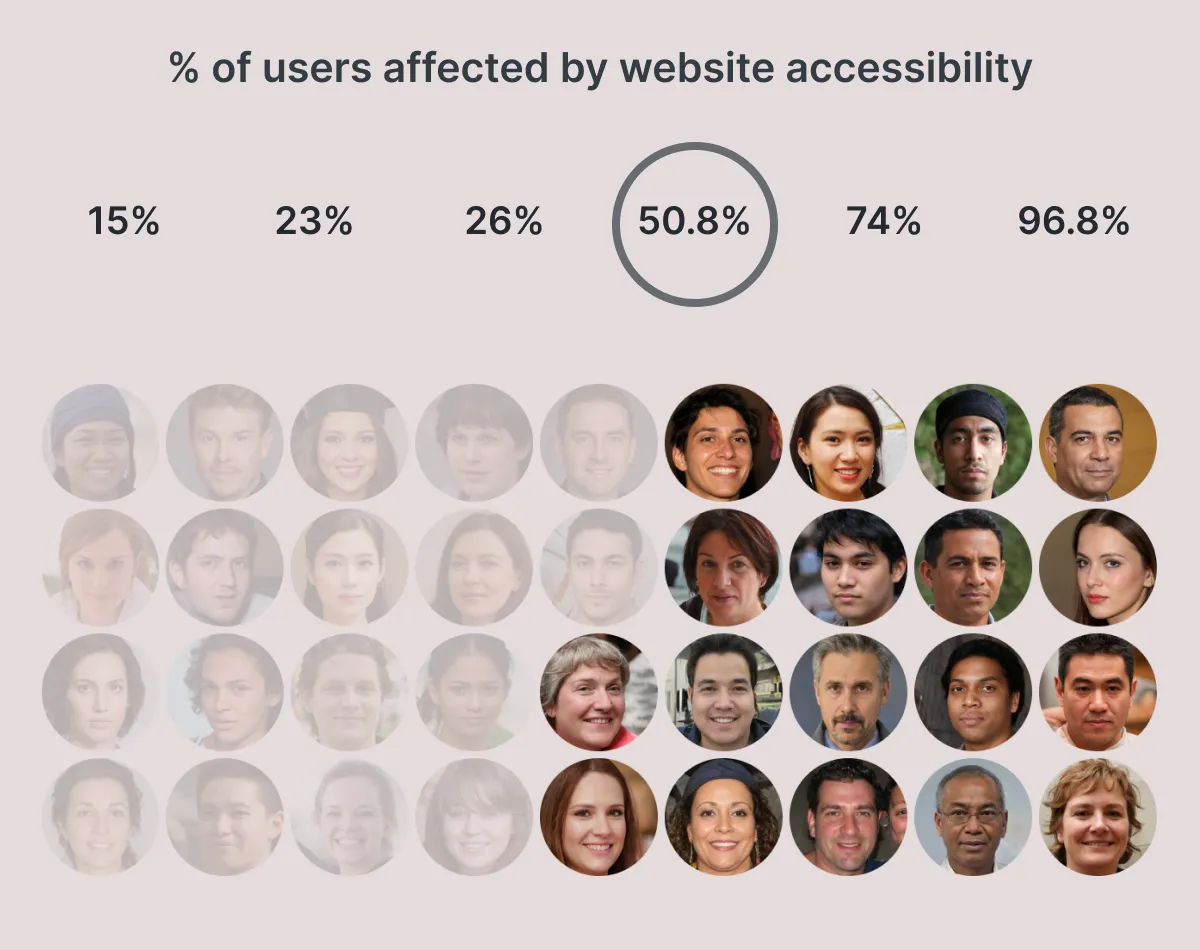 An early design prototype showing 50.8% of users affected by accessibility issues.
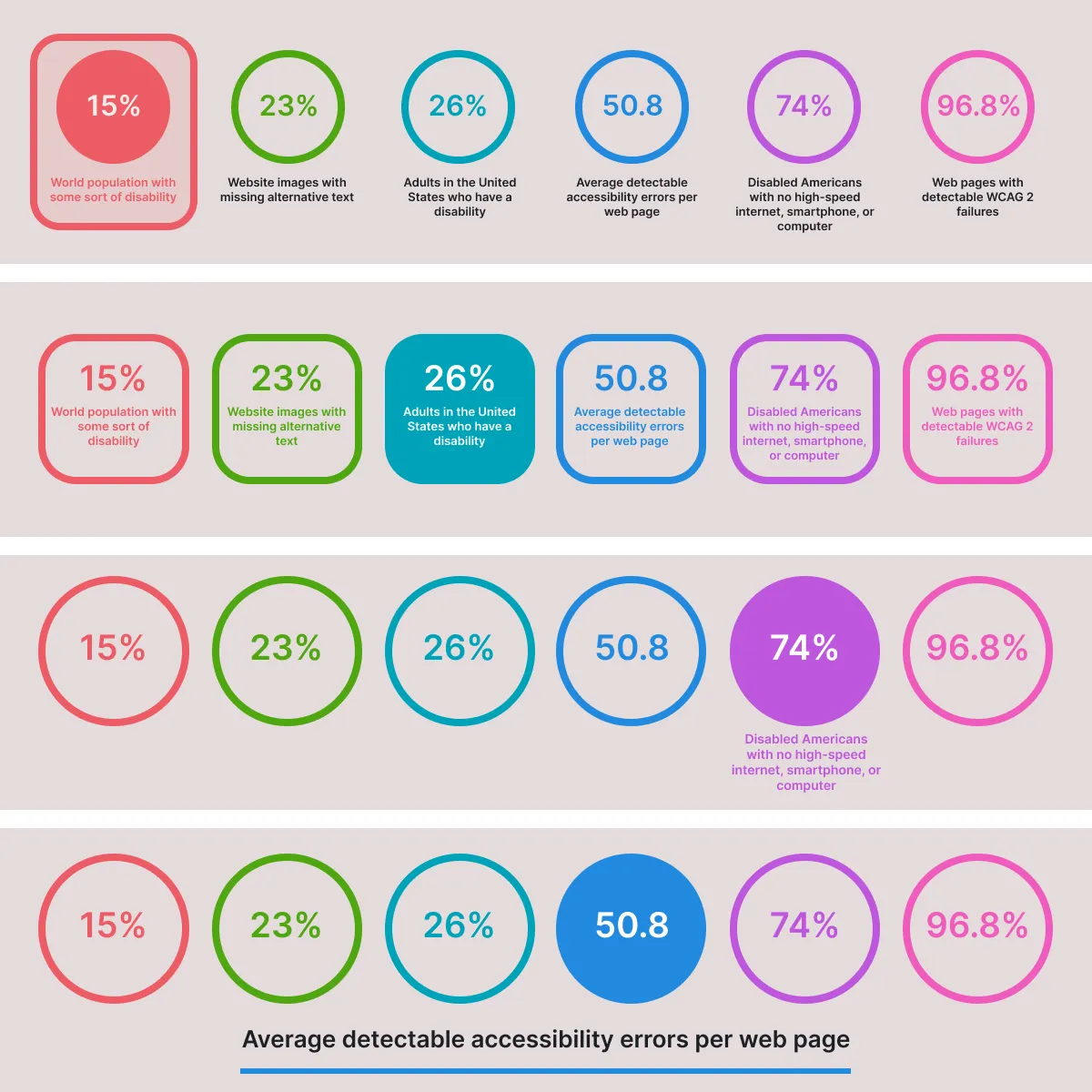 Variations of layouts showing the card pattern used to combine the percentage and text blurb into an interactive menu.
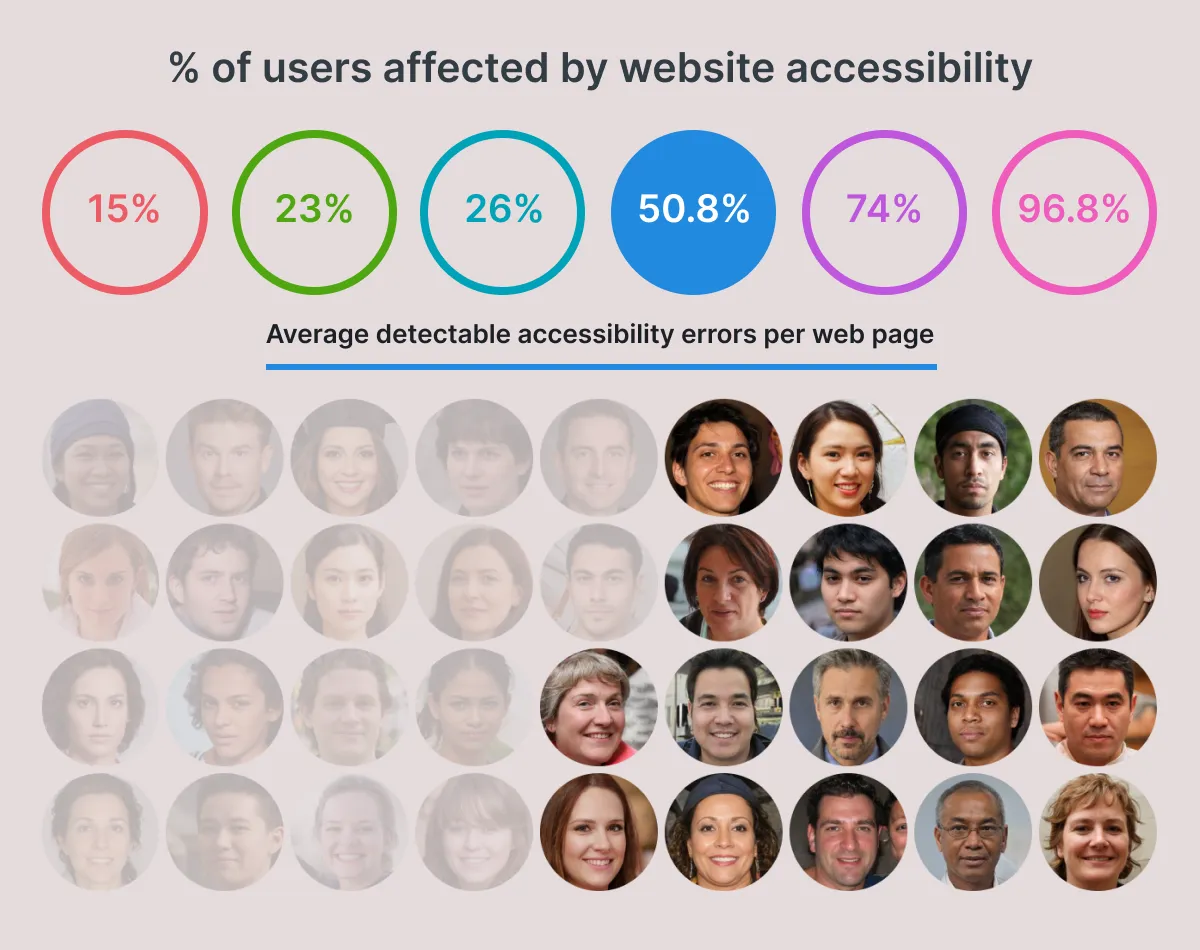 This final design departs from the card to use a progressive disclosure pattern. As users hover over the number values text is revealed underneath to describe the statistic.
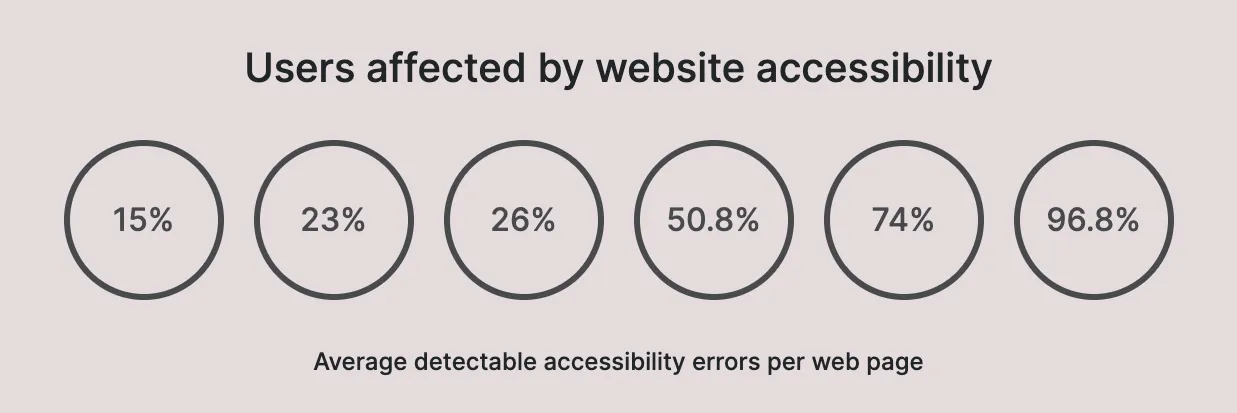 The title, menu with percentage values, and text blurb.
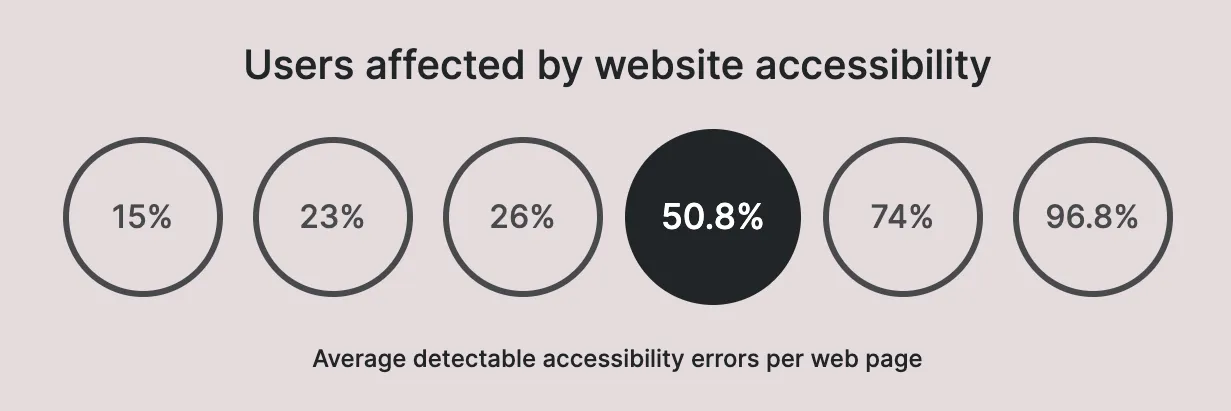 The navigation menu now shows which menu option is currently active.
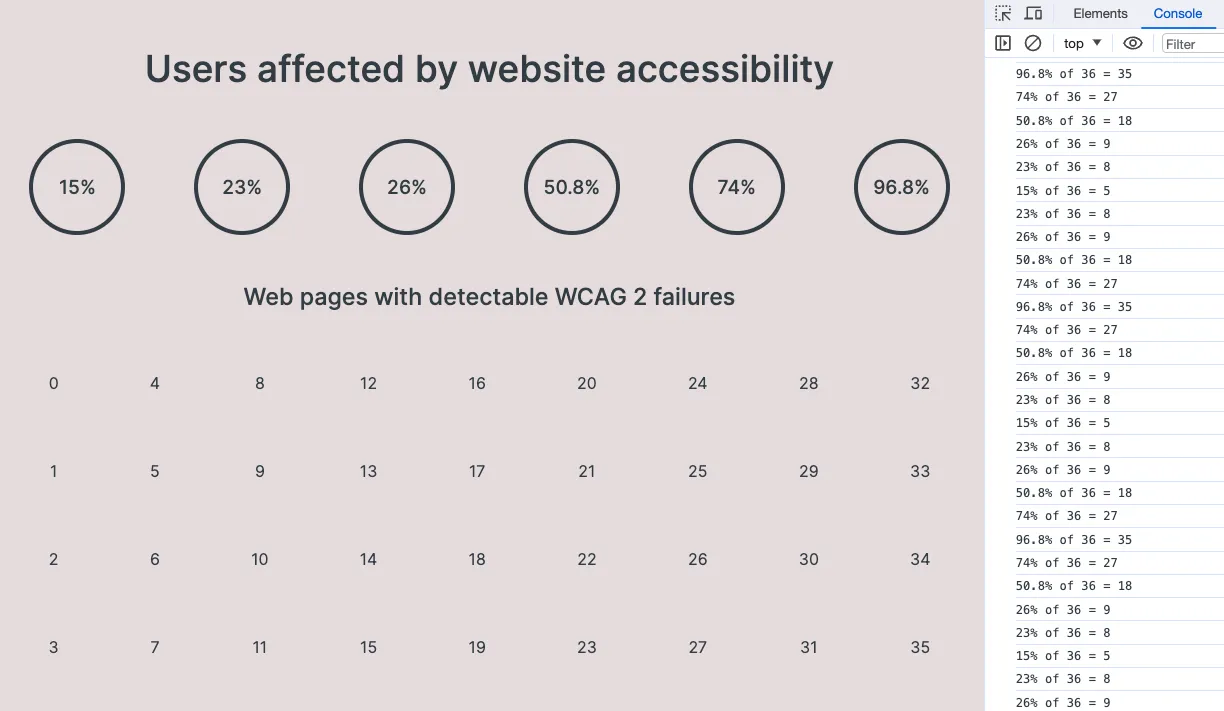 Using numbers to test the for loop.
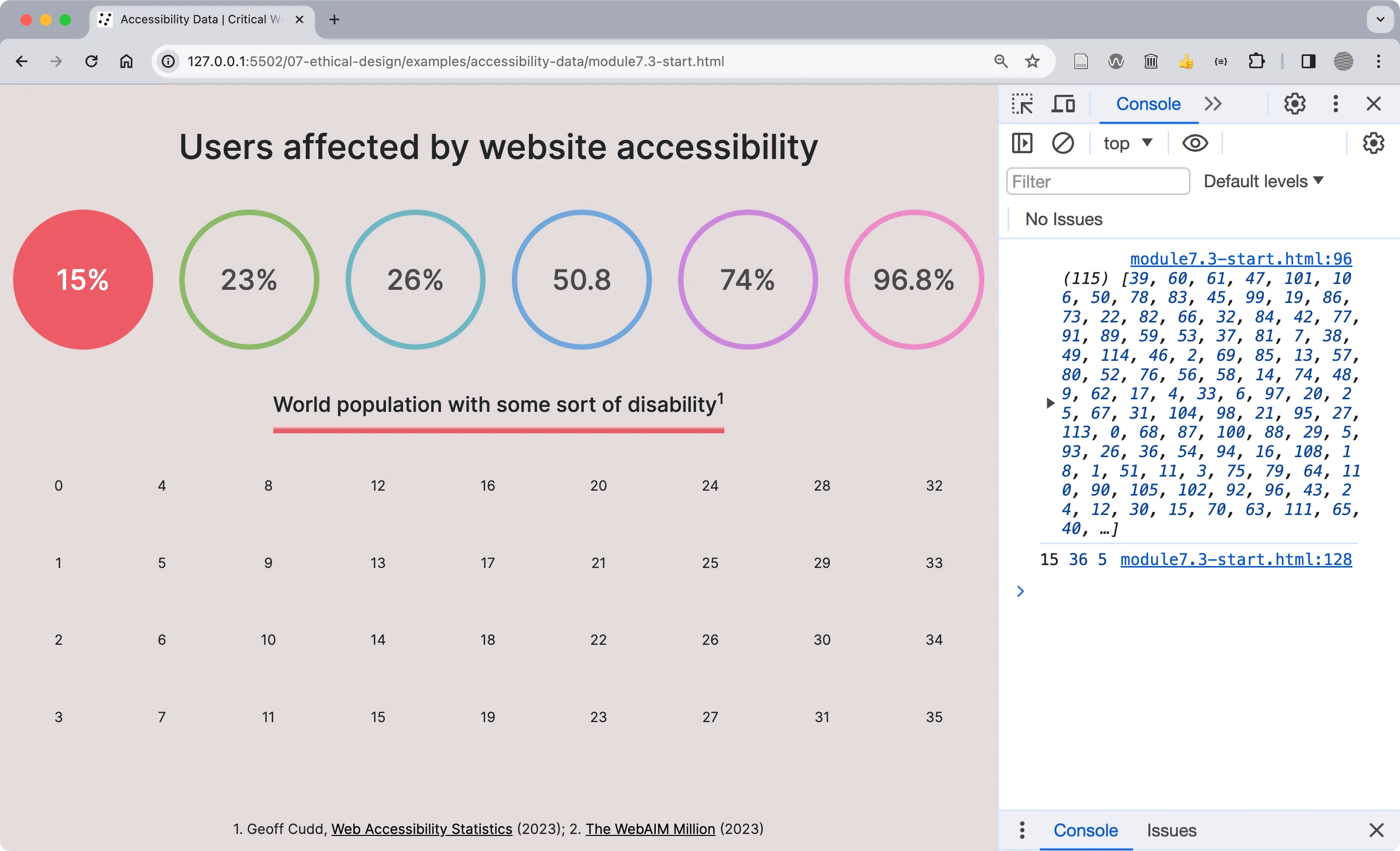 The Console shows the 36 randomized integers selected for the user array, between the numbers 0 and 115.
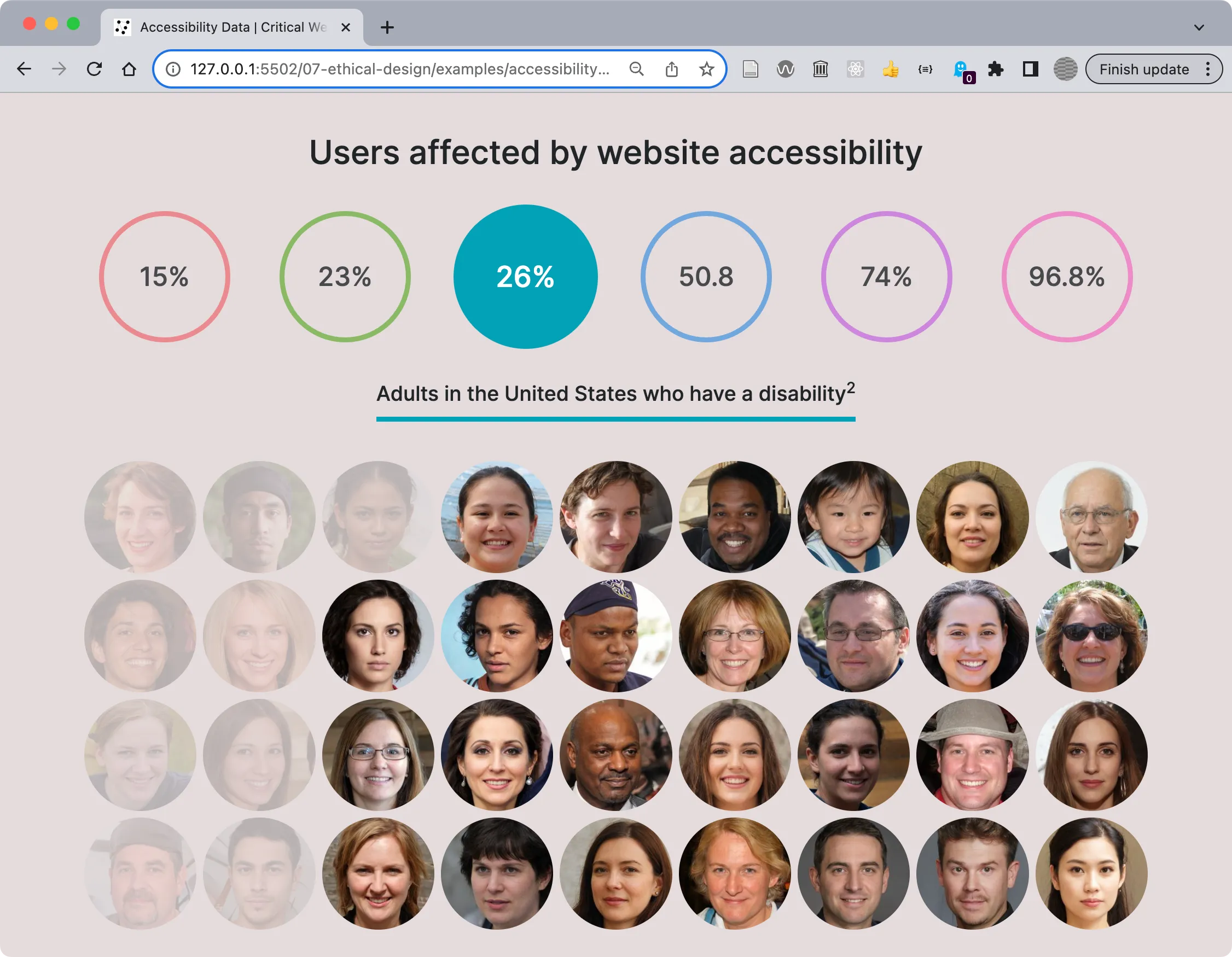 The working example after the above changes.
Implementing Accessible Design
Section titled “Implementing Accessible Design”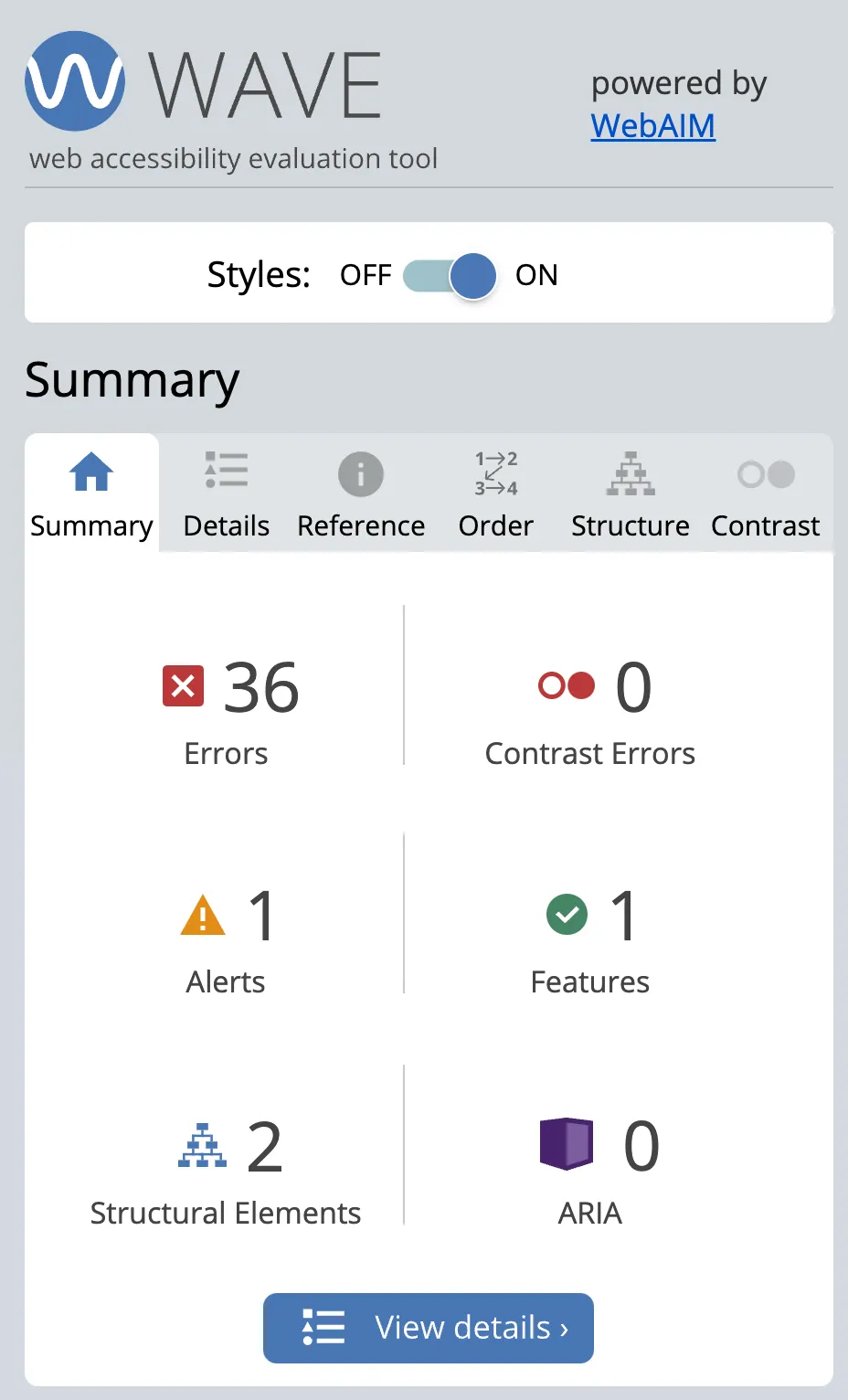 The WAVE tool summary shows errors, alerts, structural elements, and more.
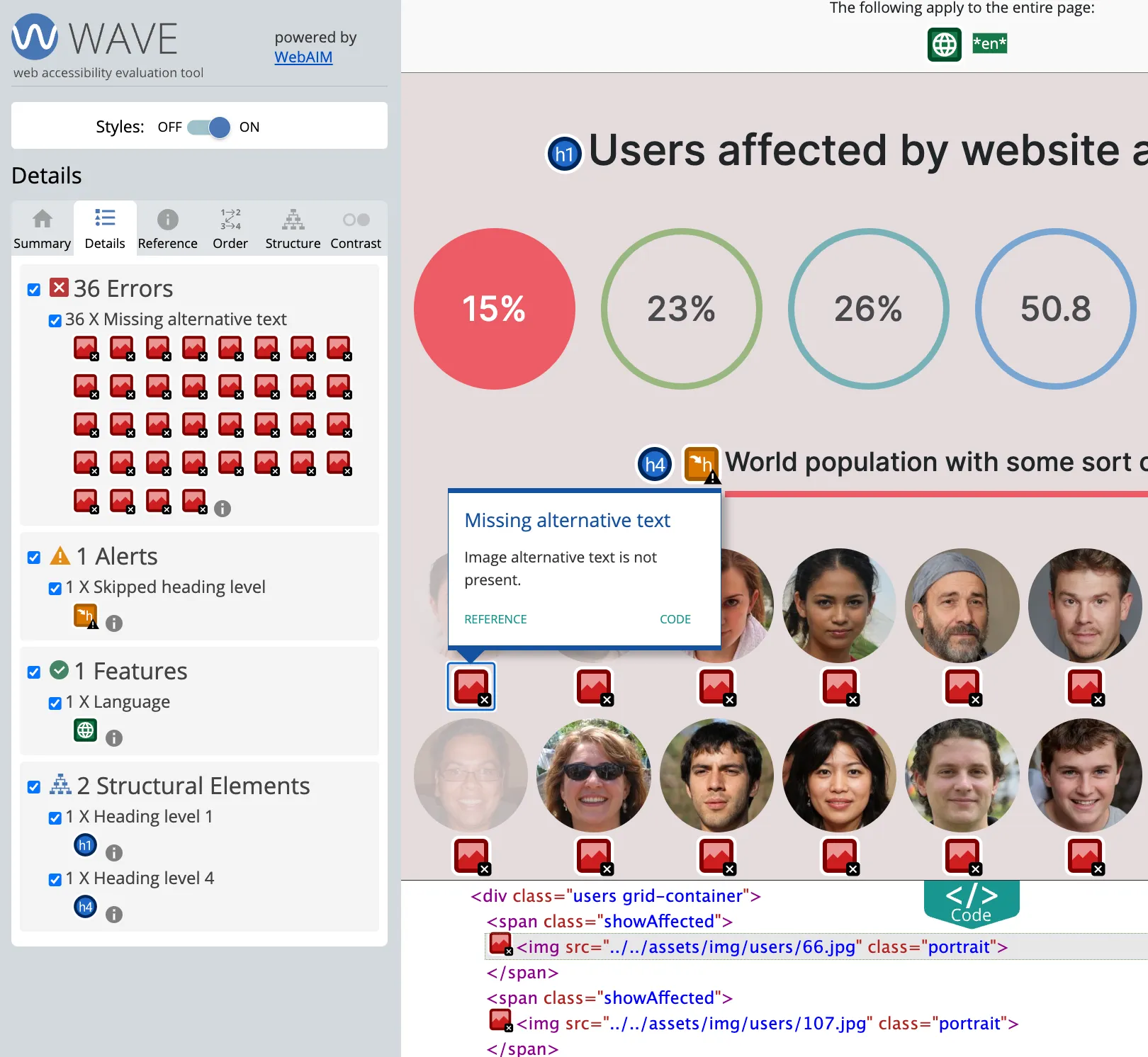 The 36 errors are all cases of missing alternative text for the portrait images.
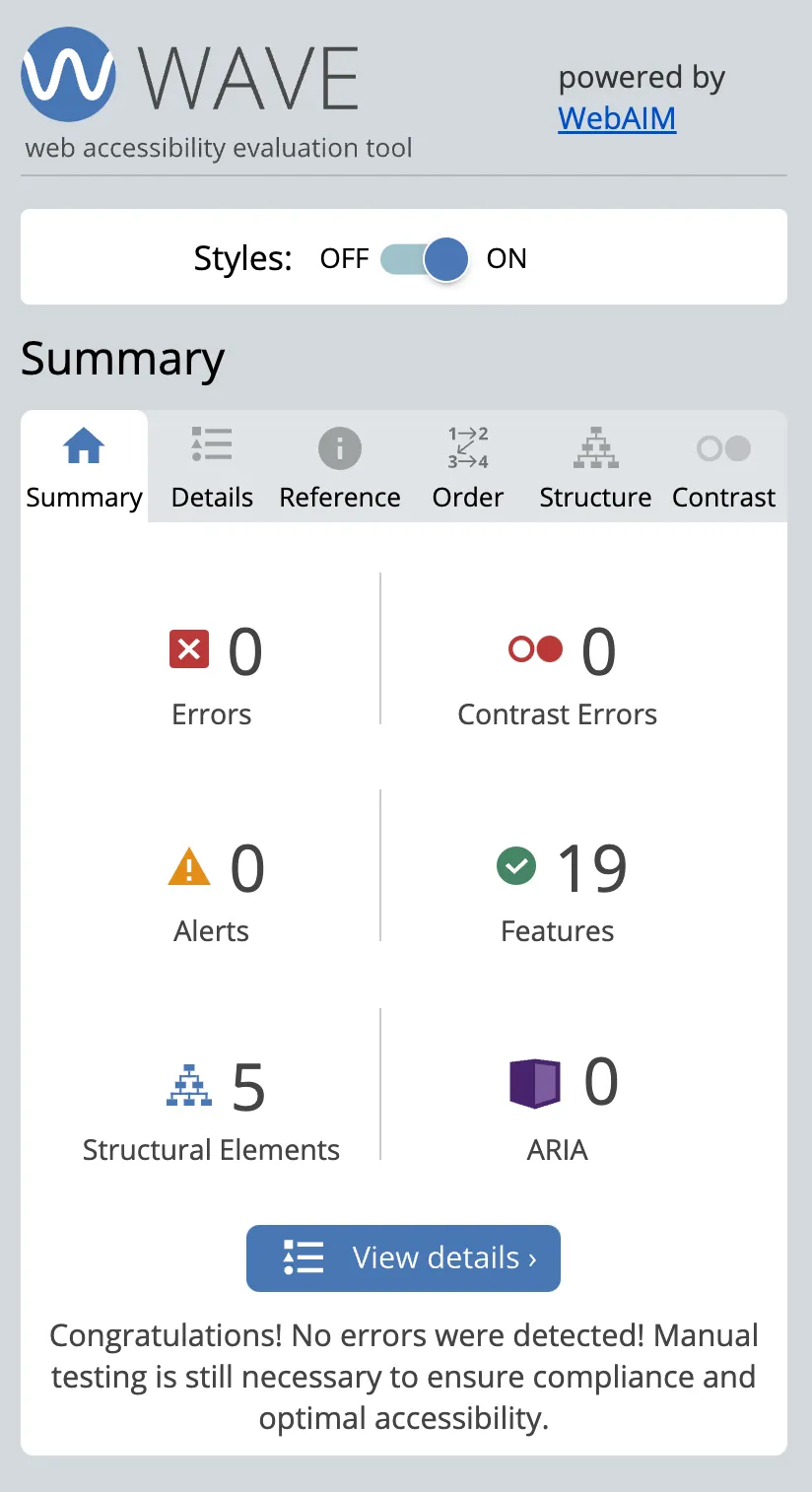 Results of a retest of our page after edits to correct accessibility errors and alerts.
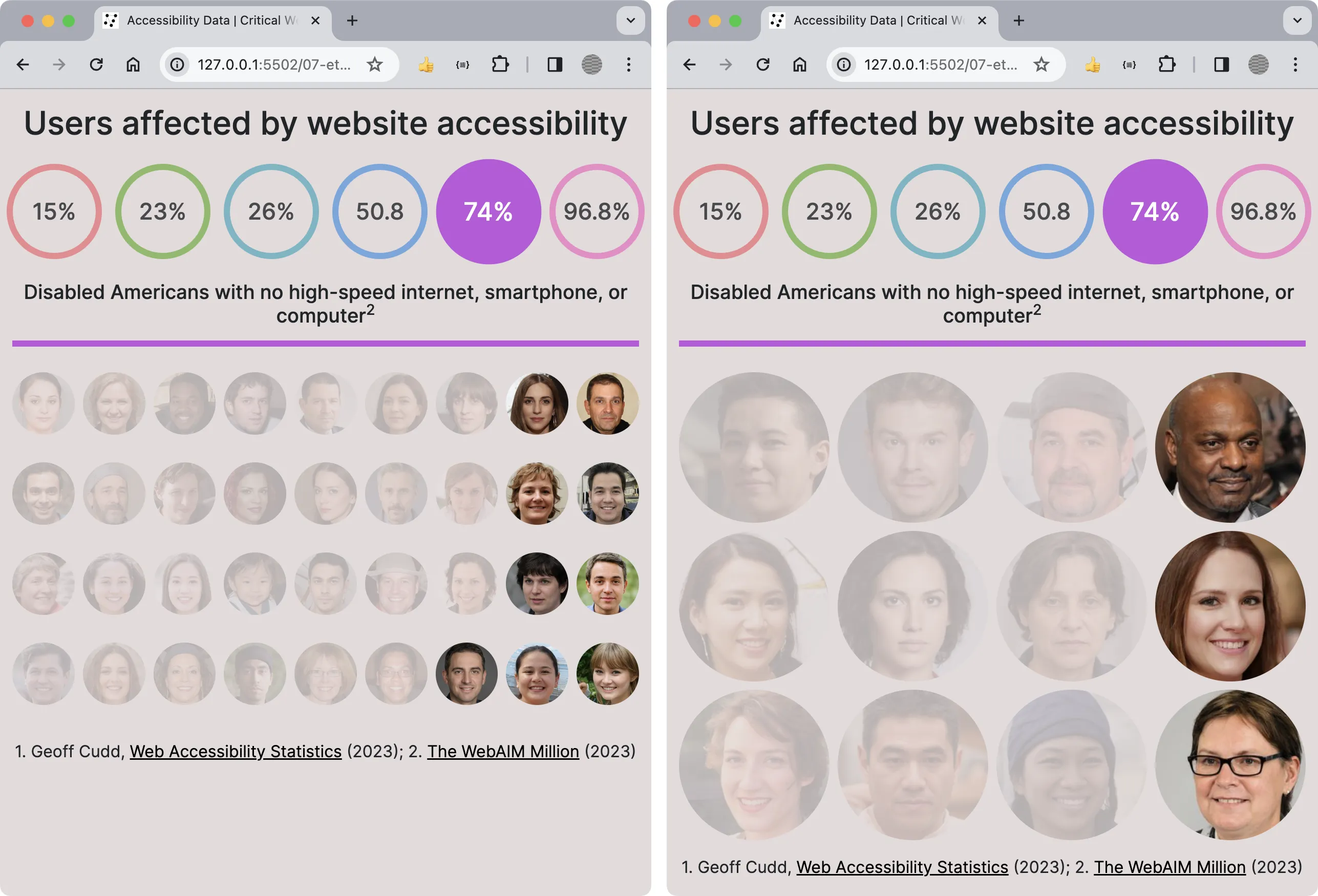 Before and after adding the code to update the number of users based on the viewport size.
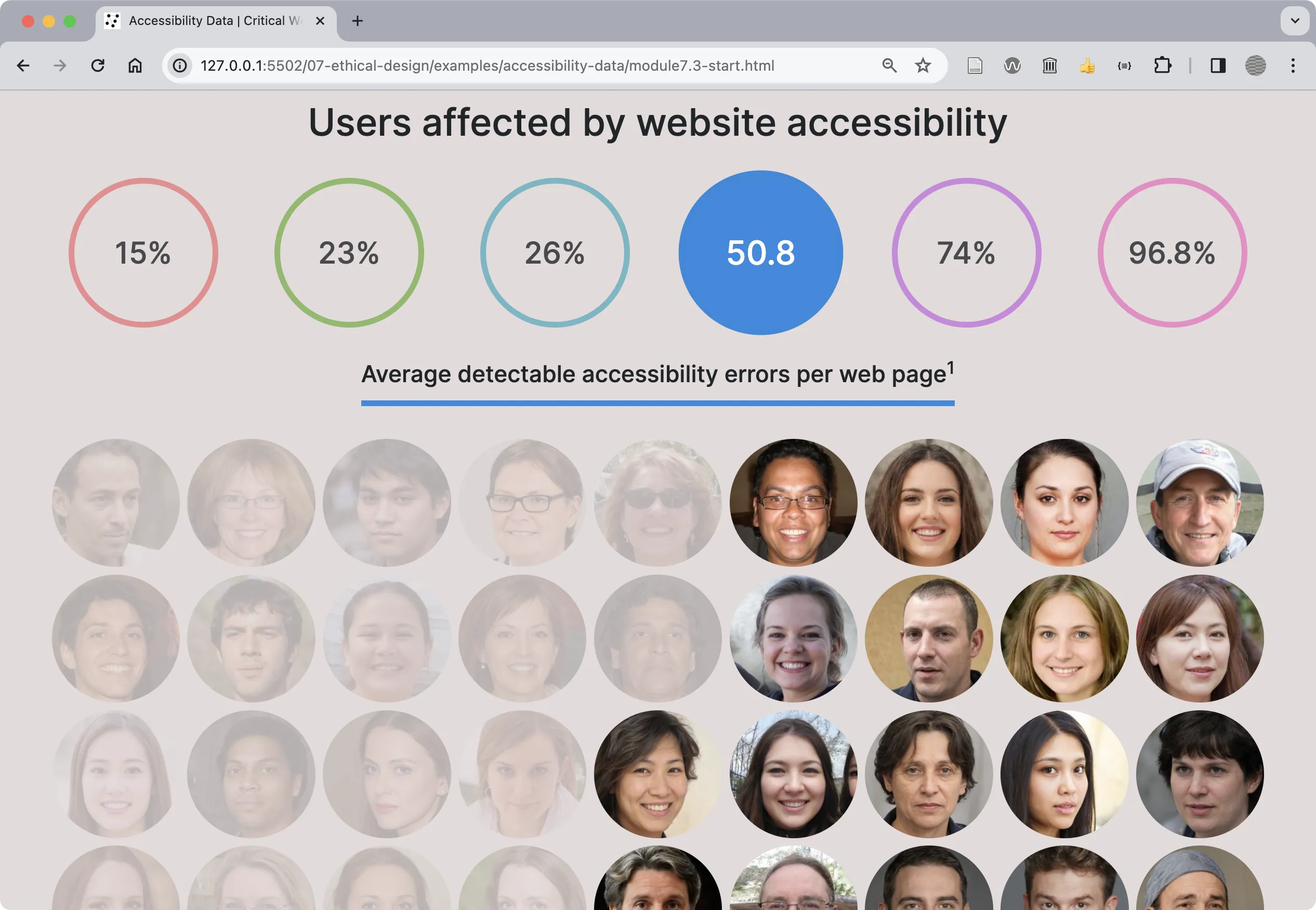 The final design follows accessibility guidelines.