3.3 Javascript Events
Javascript Variables
Section titled “Javascript Variables”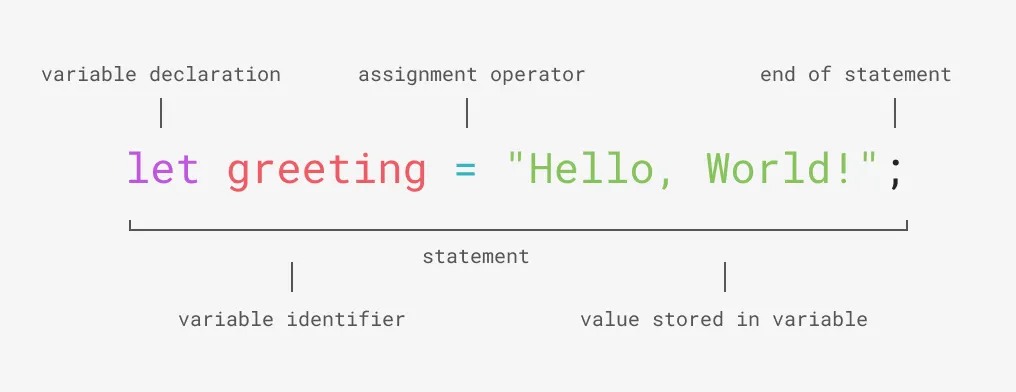 This code creates a new variable called greeting, and assigns a string of text as the value.
Store a Reference to an Element in a Variable
Section titled “Store a Reference to an Element in a Variable”let targetElement = document.querySelector("h2");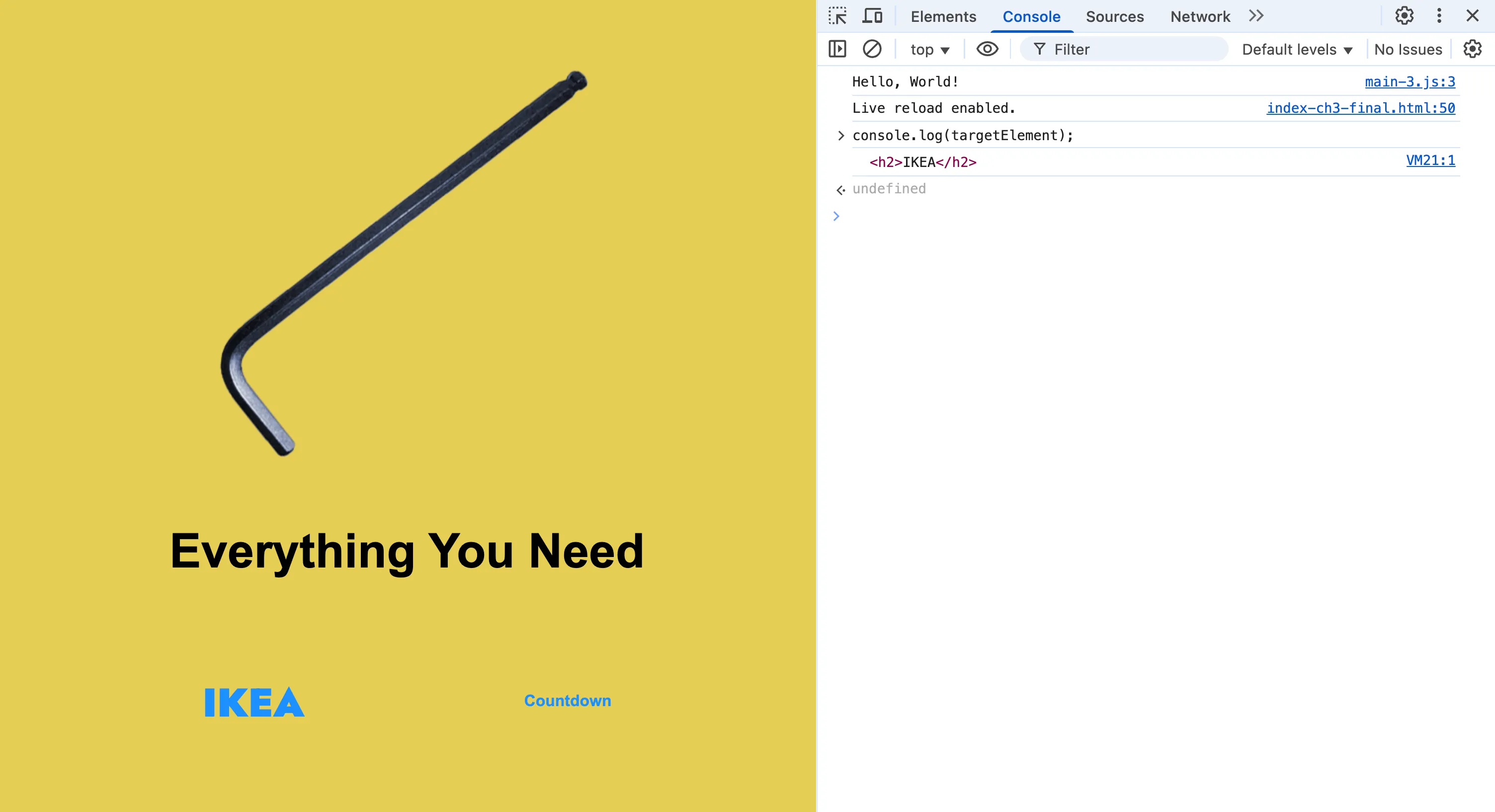 DevTools will highlight a target element that you log to the console if you hover over the line. This can be handy for debugging when you need to confirm that a selector is working.
Javascript Event Listeners
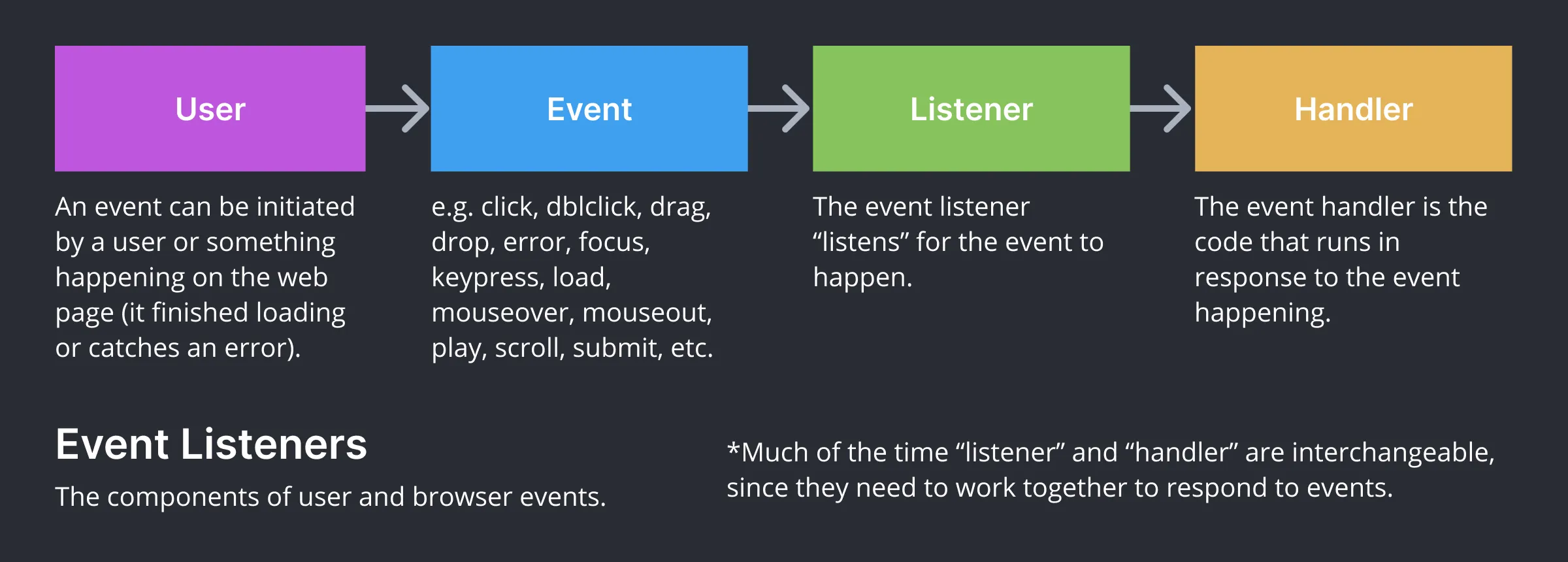
Section titled “Javascript Event Listeners”An event can be initiated by a user (e.g. click, keypress, mouseover, mouseout, scroll, etc.) or something happening on the web page (like when it finishes loading or catches an error). An event listener “listens” for the event to happen, then calls an event handler which runs code in response to the event. Much of the time “listener” and “handler” are interchangeable, since they need to work together to respond to events.
let targetElement = document.querySelector("h2");
targetElement.addEventListener("mouseover", function(){  console.log("Hello!");  });
The above code shows how to add a click event listener in Javascript.
- Line 1 creates a new variable to store a reference to the target element.
- Line 3 attaches an event listener to the target element, designating “mouseover” as the name of the event to listen for.
- Line 4 is the event handler function that wraps code to run when the event occurs.
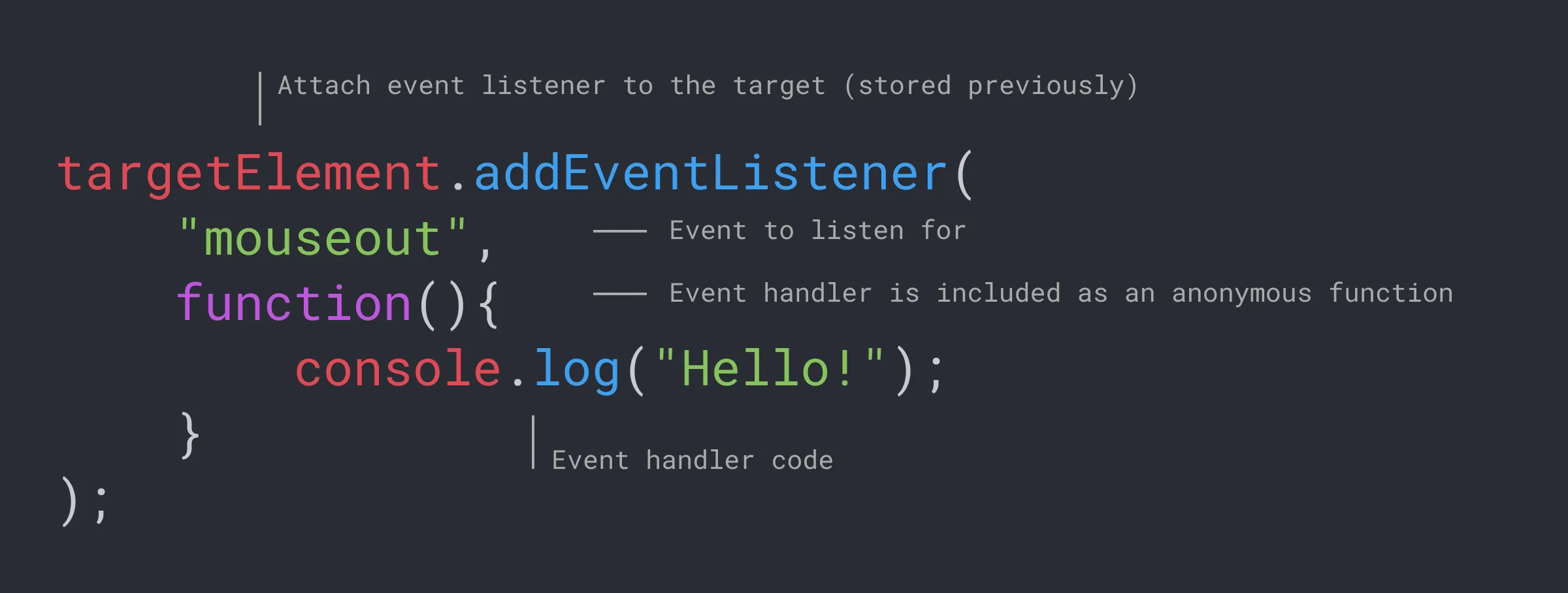 Variation with mouseout
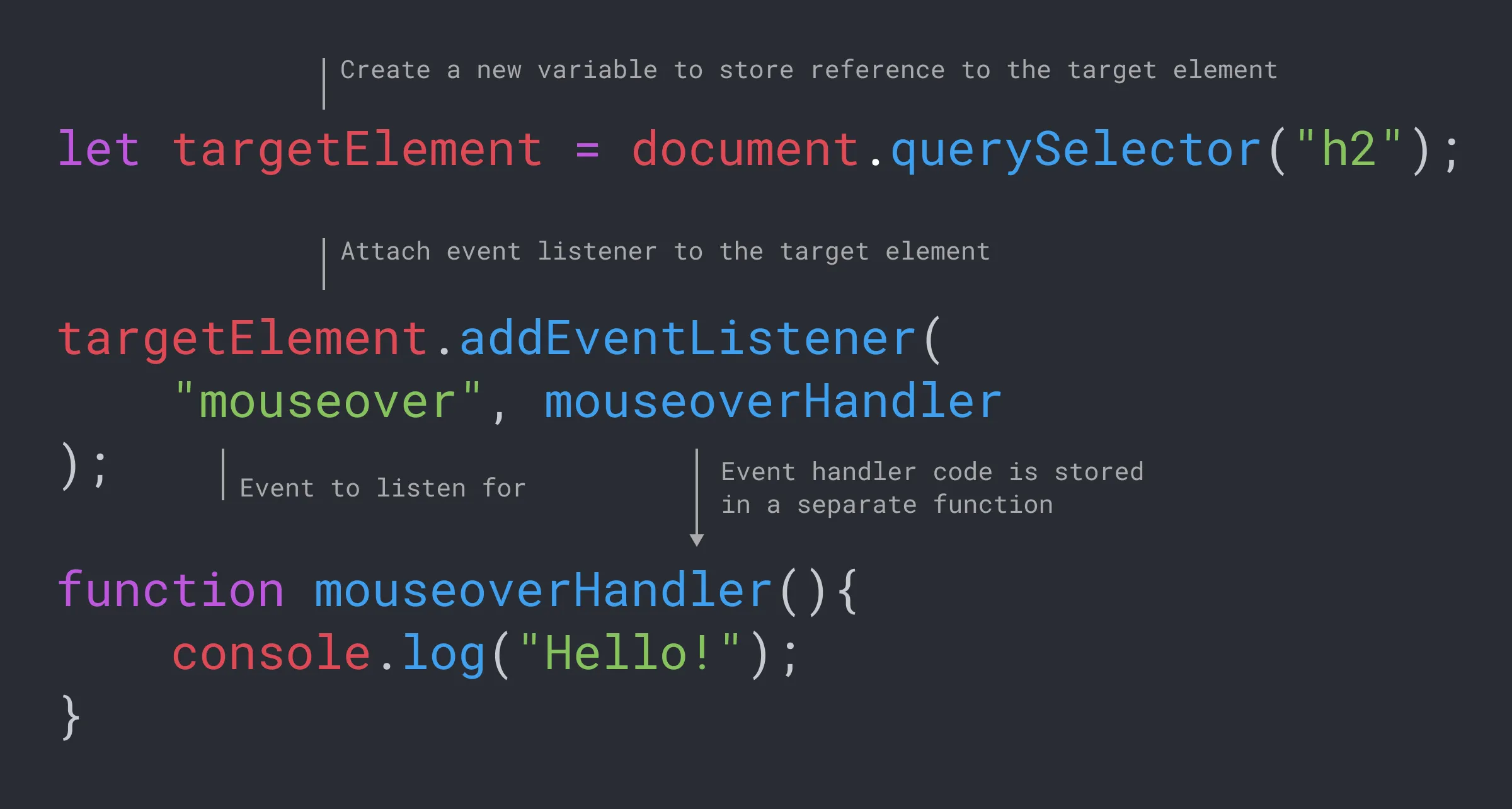 Variation with mouseover
Finished Prompt
Section titled “Finished Prompt”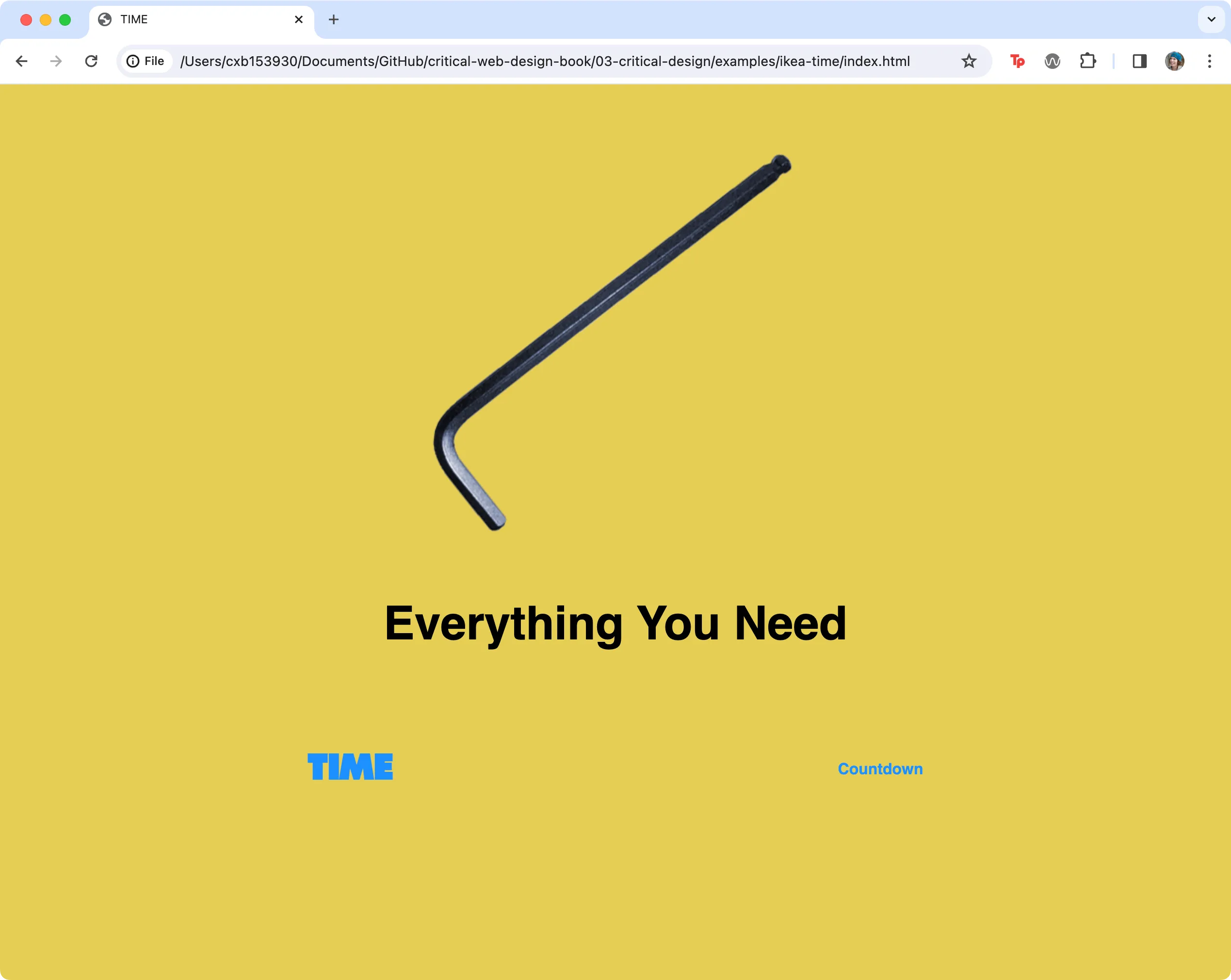 This screenshot shows the results of Exercise 3.2.3 in the web browser.